10
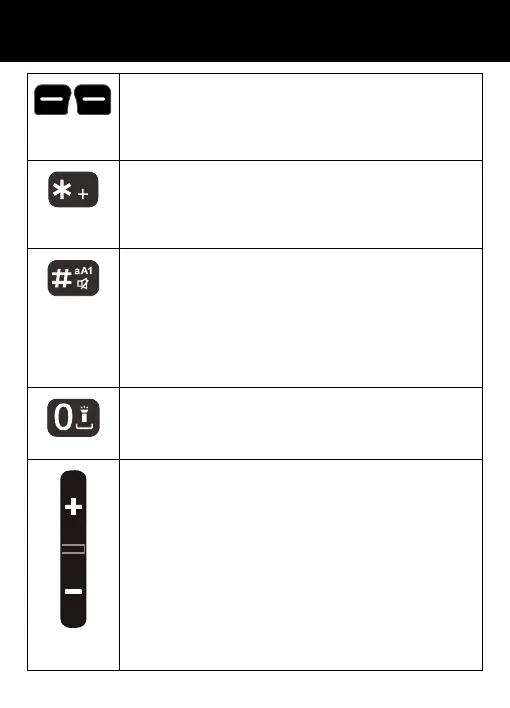
Left/Right key
These are softkeys i.e. they take on different
functions depending on the menu displayed.
The current function is always displayed by the text
above the key.
Asterisk key
Press this key to insert one or more symbols while
composing a message or editing a phonebook
entry name. Then use the navigation keys to move
to the symbols you want to insert.
Hash Key
Press to switch between different input modes
while composing a text message or editing a
contact name.
In standby mode, if you press and hold this key, you
set your phone in Silence mode, if you press and
hold again, you are in shaker mode, if you press
and hold again, you come back in normal mode.
0 / Torch Key
In standby, press and hold for a few seconds and
the torch will shine steadily. Press and hold once
more to turn it off.
Volume Up and Down Key
Use this key to increase ringer volume when you
access Profiles menu or when receiving an
incoming call. Increase the earpiece /
speakerphone volume during a call. There are 9
volume levels available. Start the amplifier
function after level 6.
Volume Down Key
Use key to decrease the ringer volume when you
access Profiles menu or when receiving an
incoming call. Decrease the earpiece /
speakerphone volume during a call.
DESCRIPTION



 To Next Page