21
Receiving a Call
When an incoming call is received the telephone, the caller’s
telephone number will be displayed. If this caller’s number is
stored in the Phonebook, the associated name will displayed
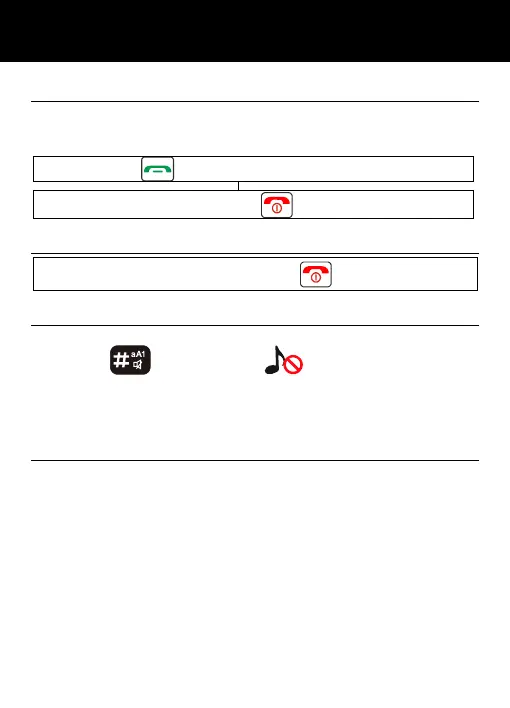
Press to answer or flip the cover opened
To end the call simply press or flip the cover closed
Rejecting a Call
To reject an incoming call, simply press or soft key REJECT
Switch Off Alerts
You can switch off all of the alerts for an incoming call in press
and hold
until to have on the display or only
vibrations in press& hold again the key until to have the shaker
icon on the display.
Press and hold again this kay to come-back in normal mode.
Options During a Call
You can use a variety of functions during a call by pressing the
OPTION soft key. You get the option to do the following:
• Connect to BT headset
• Hold
• Recording started
• Mute
• Contacts
• Call logs
• Messages
Call diverting", "multiparty calls", "call hold" and "call waiting"
function need network support, so please contact your network
provider.
USING THE TELEPHONE



 To Next Page