9
DIP SWITCH CONFIGURATION
Receiver Unit
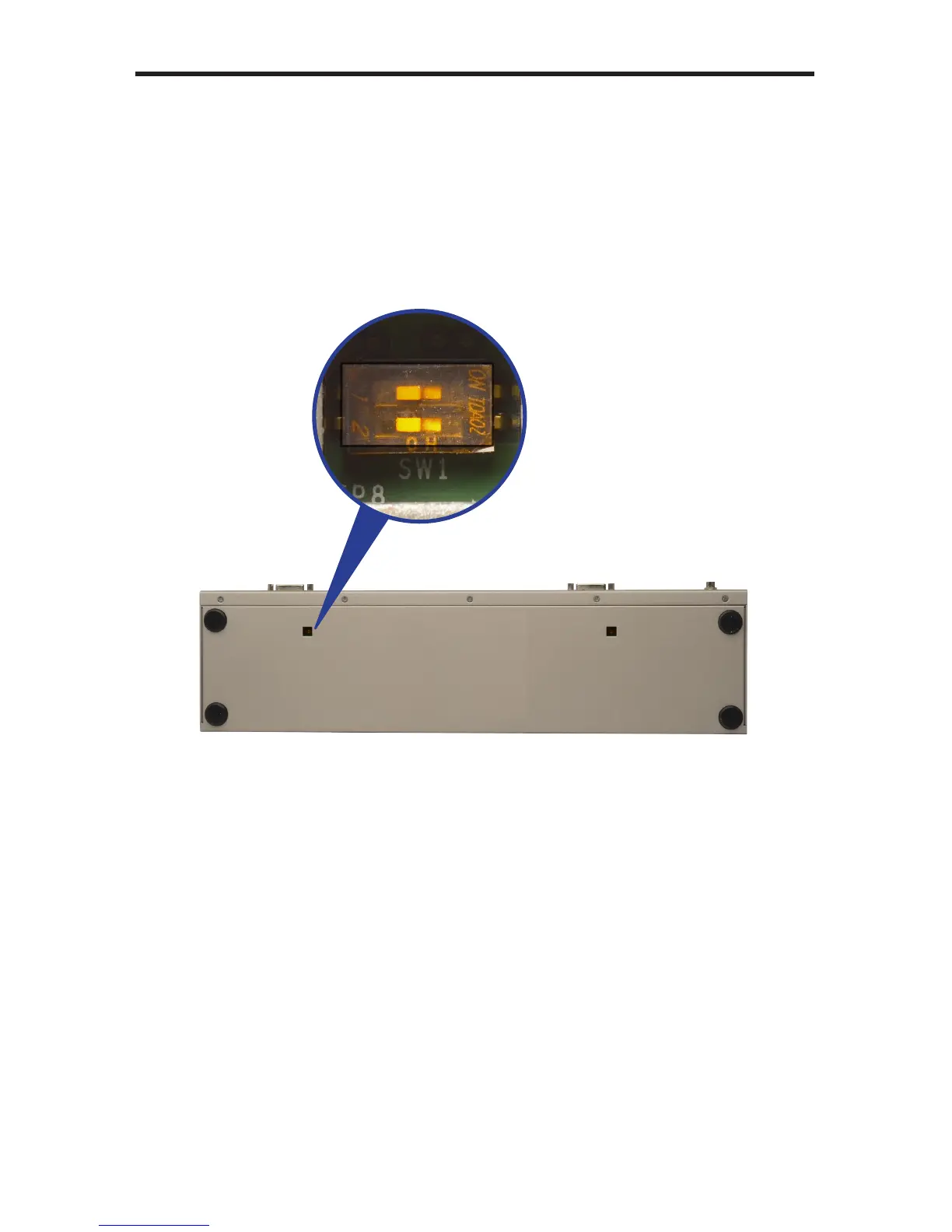
The Gefen 2x DVIKVM Extender contains two banks of two DIP switches on the
bottom of the Receiver Unit (the Sender Unit does not contain any DIP switches).
Each DIP switch performs a different function. Each DIP switch bank controls the
settings for each DVI input.
DIP Switch 1 - EDID Management
• OFF - Local EDID
When Local EDID mode is used, the EDID will be assembled by copying all
video and audio features of the connected output device.
• ON (default) - Pass Through EDID
Allows all video and audio features of the connected devices to be passed
to the source device. By default, the unit is shipped with DIP 1 in the ON
position.
Two DIP switches located on
the bottom of the Receiver
Unit.



 To Next Page