page | 36
Chapter
Page Title
Appendix
Installing the Gefen EDID Tool+
The Gefen EDID Tool+ is a free downloadable application from Gefen that provides EDID
management for select Booster and Detective-based units using an intuitive Windows®
interface. Available EDID Tool+ features depend on which Gefen EDID Tool+ compatible
product is being used.
1. Extract the contents of the .zip le to a folder on the Windows® Desktop.
There will be two les within the folder: setup.exe and the user manual for the
Gefen EDID Tool+.
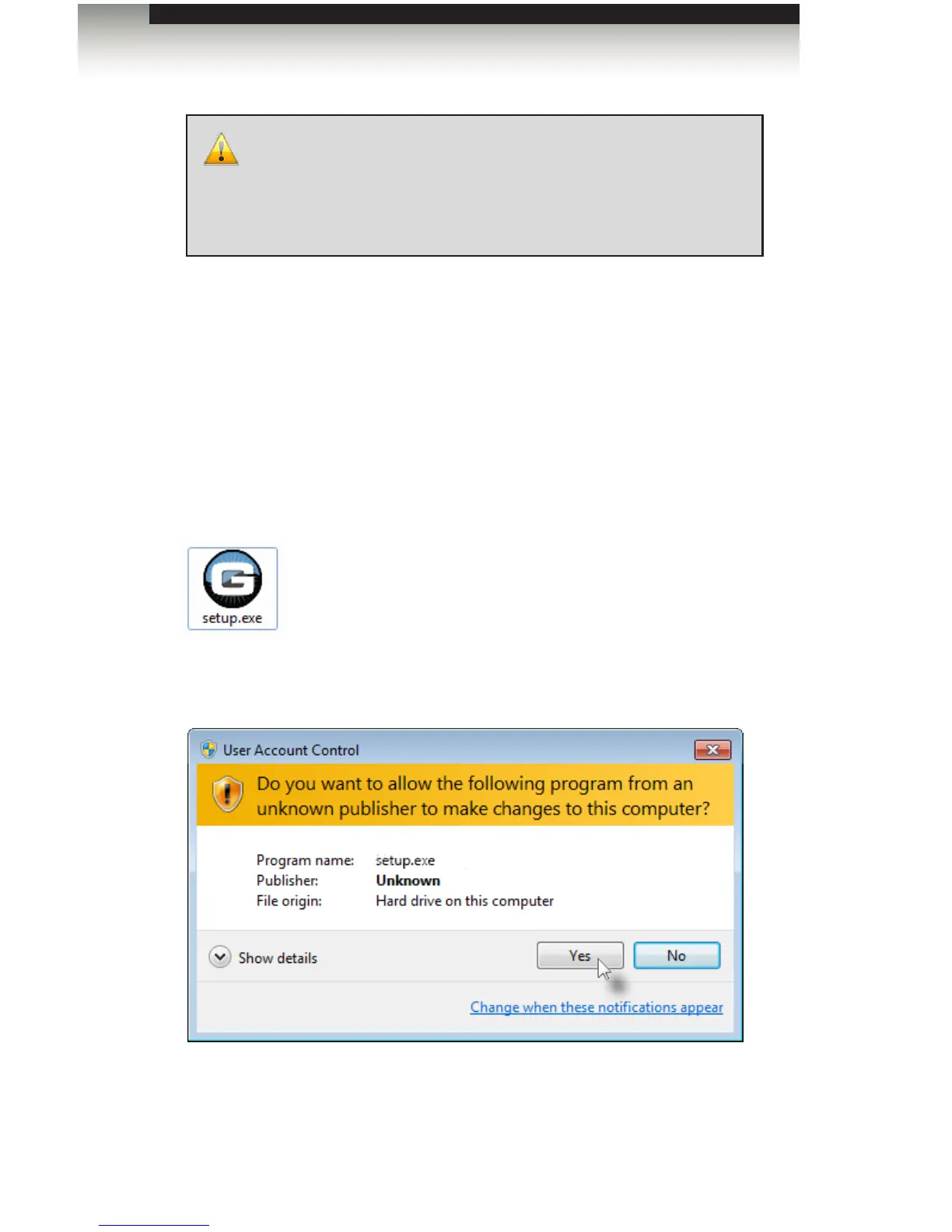
2. Double-click the setup.exe le to launch the installation Wizard.
If the following dialog box is displayed, then click Yes to continue with the installation
Wizard.
IMPORTANT: The Gefen EDID Tool+ application, User Manual, and
Firmware (See Firmware Upgrade Procedure) can be downloaded
from the Support Section of the Gefen web site under EDID Storage
Detectives. Before launching the Gefen EDID Tool+, make sure that
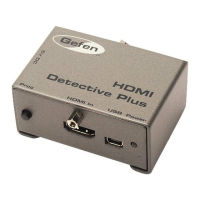
a USB cable is connected between the HDMI Detective Plus and the
computer that is running the Gefen EDID Tool+.


 To Next Page