page | 37
Chapter
Page Title
Appendix
Installing the Gefen EDID Tool+
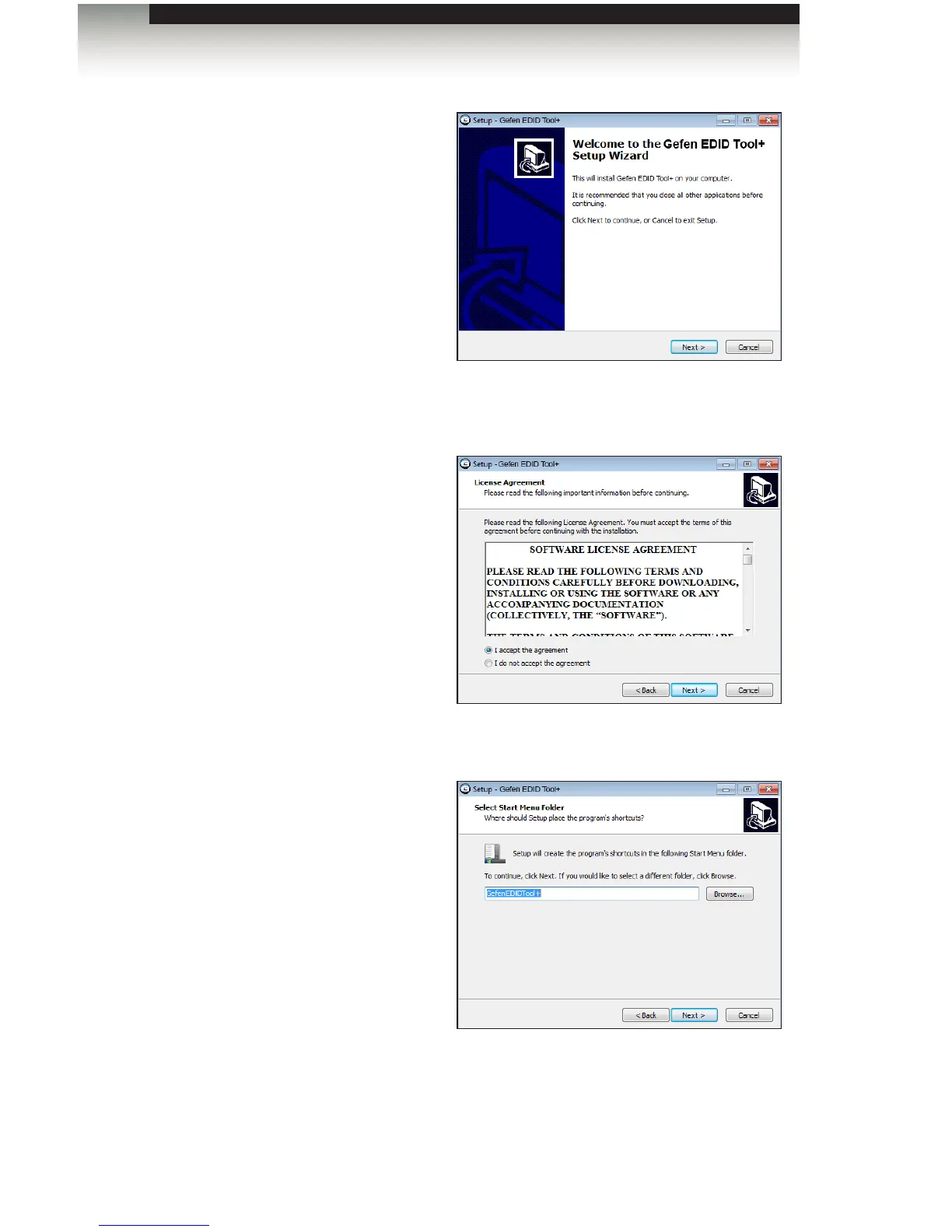
3. The Welcome dialog box will be
displayed.
4. Click the Next button.
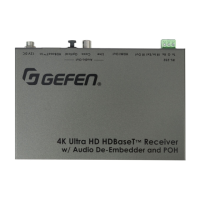
5. The Software License Agreement
dialog will be displayed.
Click the radio button next to
I accept the agreement, then click
the Next button.
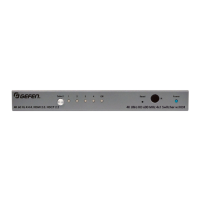
6. The Select Destination Location
dialog will be displayed.
The default installation path is: C:\Program Files (x86)\Gefen EDID Tool+.
7. Click the Browse... button to change the installation path. Otherwise, click the Next
button to continue with the default installation path.


 To Next Page