page | 39
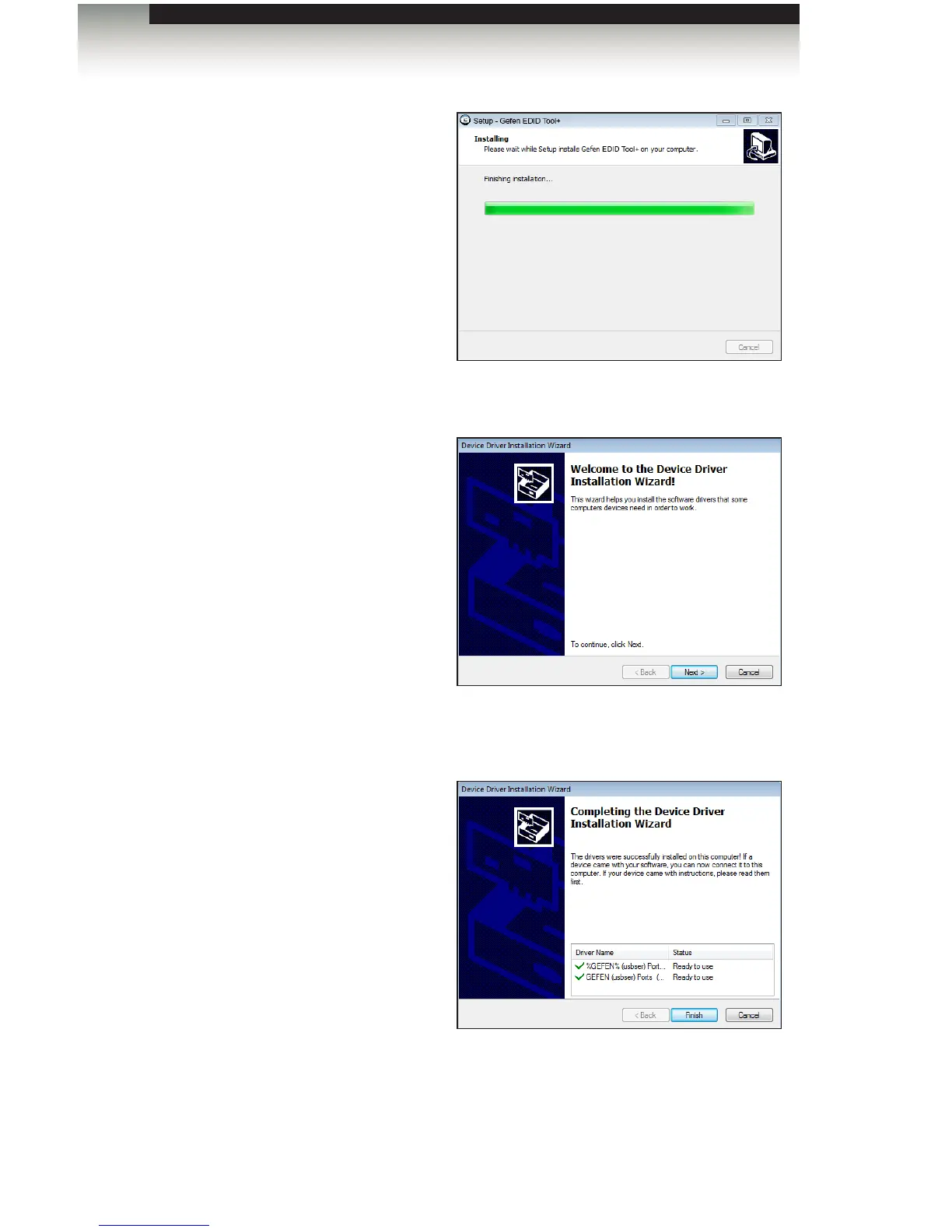
12. After the Gefen EDID Tool+ has
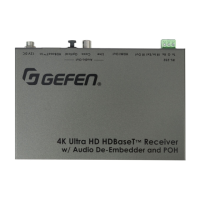
installed, another setup Wizard will
automatically launch.
This secondary setup Wizard will
install the necessary drivers USB
drivers.
Click the Next button to continue.
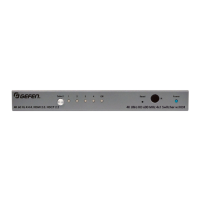
13. After a few seconds, the
Completing the Device Driver
dialog will be displayed.
Click the Finish button.
14. The Finish dialog for the Gefen
EDID Tool+ dialog will be
displayed.
The Launch Gefen EDID Tool+ check box will be checked. To launch the Gefen EDID
Tool+ application, click the Finish button.
To launch the application at a later time, click the Launch Gefen EDID Tool+ check
box to remove the check mark, then click the Finish button.
Chapter
Page Title
Appendix
Installing the Gefen EDID Tool+


 To Next Page