Need help?
Do you have a question about the gefran 650 Series and is the answer not in the manual?
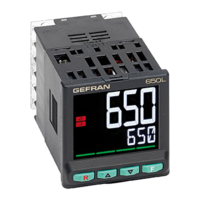
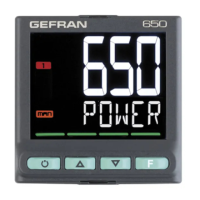
Customizable display options including color, messages, and bargraph for enhanced user interface.
Offers three configuration methods: keyboard, PC software, and portable configurator for quick setup.
A guided 7-step process for initial controller setup via the keyboard, requiring no user manual.
Utilizes PC software and USB connection for efficient parameter copying and pasting.
Employs a battery-powered portable configurator connected via microUSB for parameter transfer.
 General
| Category | Controller |
|---|---|
| Display | LCD |
| Inputs | Thermocouple |
| Outputs | Digital and Analog |
| Power Supply | 24V DC |
| Communication | RS485 |
| Control Mode | PID, On/Off |
| Mounting | Panel |
| Protection Rating | IP65 (front) |

 To Next Page