ENGLISH
71
1. Time set in the timer
2. Regeneration frequency (dd) and time when regeneration will take place (h)
3. Hardness at the entry (In) and Hardness at the outlet of the softener (Out)
4/5. The last two lines alternate.
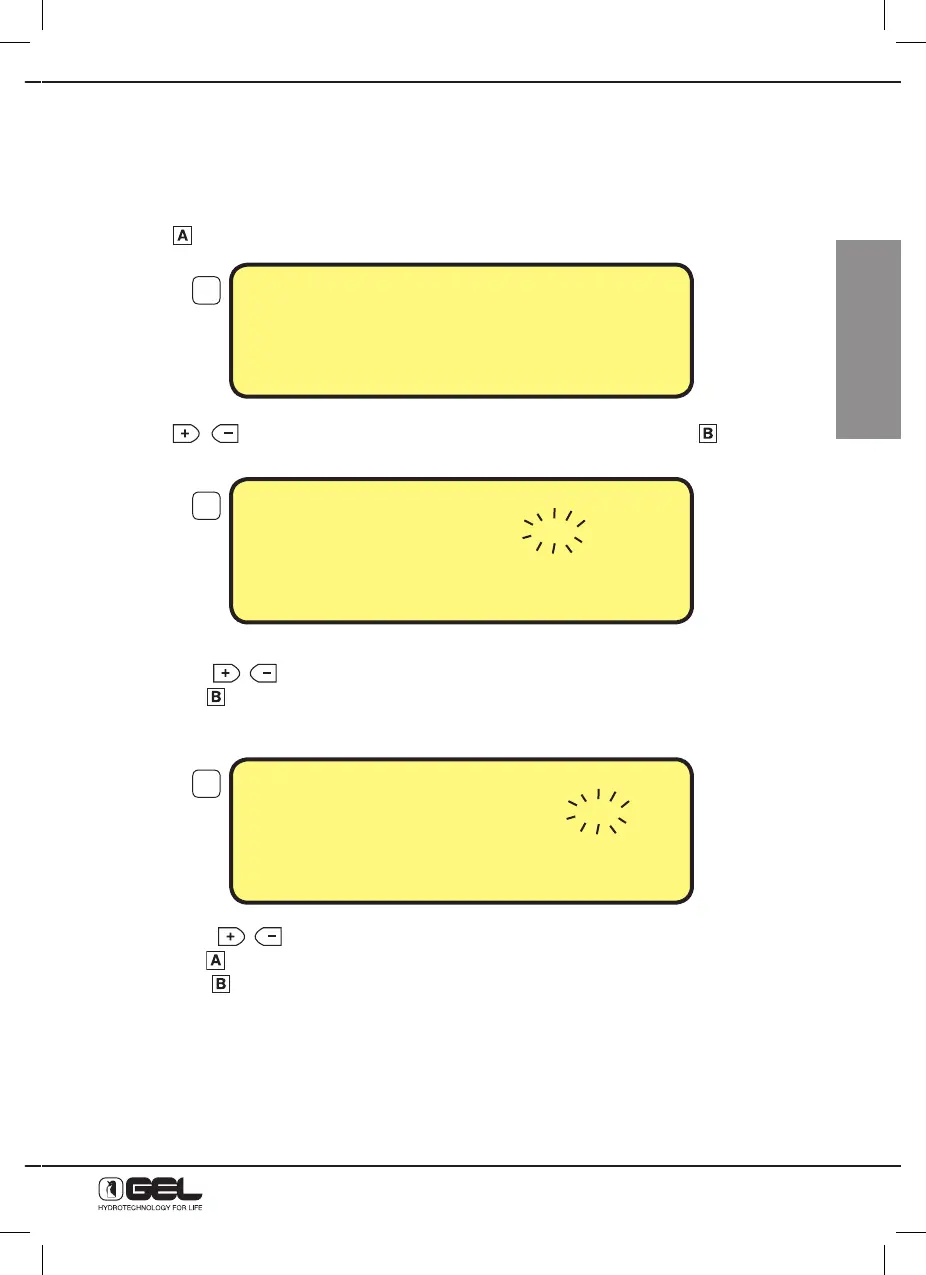
13.3 - HOW TO ADJUST THE CLOCK
Press key
to enter the programming display.
Use keys
, to move the selection on the parameter “Clock”, press key
to confirm the
selection.
At the beginning the selection is on the figures of the hour
- press keys
to change hour;
- press key
to confirm hour
The selection moves to the figures of the minutes
- press keys
to change minutes;
- press key
to come back to the previous selection, or
- press key
to confirm minutes
Programming will automatically close and the main display is restored.
➔CLOCK -REGENER.
-HARDNESS -PRESSURE
-ALARM -ANTIFLOOD
TO CONFIRM PRESS B
3
4
5
CLOCK
TIME 17 :10
TO CHANGE PRESS
+
or –
TO CONFIRM PRESS B
CLOCK
TIME 17 :10
TO CHANGE PRESS
+
or –
TO CONFIRM PRESS B



 To Next Page