74
Set a value included between 1 and 19 days.
- press key
to come back to the previous selection, or
- press key
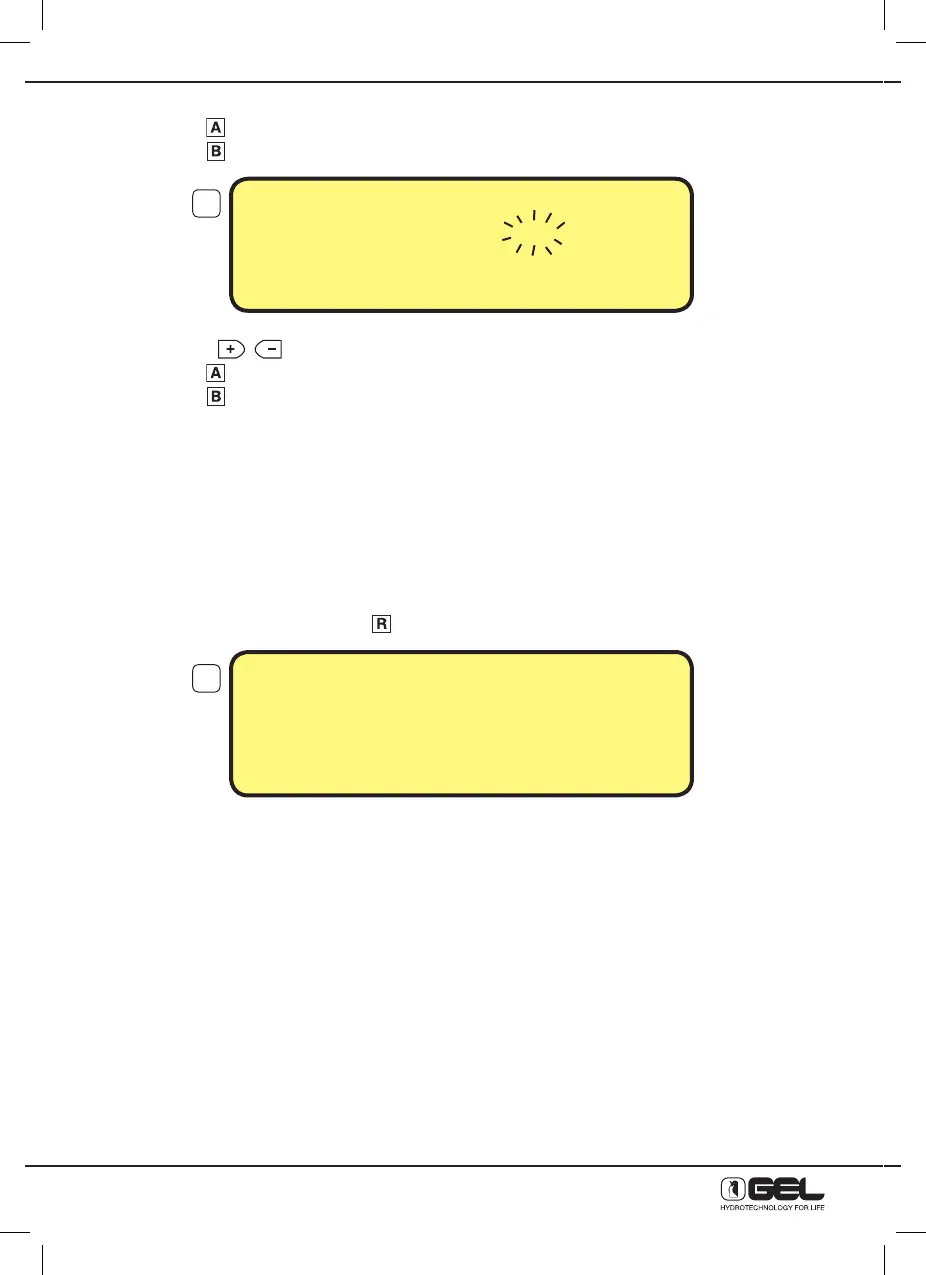
to confirm settings, the display below will be shown
- press keys
to change the regeneration time;
- press key
to come back to the previous selection, or
- press key
to confirm settings
Programming will automatically close and the main display is restored.
The softener will work by time. This means that regeneration will take place in the days interval programmed
and at the time set.
P.S. For potable use, it is recommended to regenerate max. every 4 days.
13.4.5 MANUAL REGENERATION
From the main display by pressing key
the display below will be shown
* indicates which of the 4 regeneration stages is being carried out
** indicates the duration of the regeneration stage that is being carried out (in minutes)
- Once started, the manual regeneration will carry out the 4 stages and the softener will automatically
restore the operating stage.
It is possible to stop regeneration, regardless of the stage that is being carried out. The rinse stage 4 is the
only stage carried out, then the softener will automatically restore the operating stage.
Wait for regeneration to complete. After that the softener will automatically restore the operating stage.
During regeneration the softener supplies untreated water.
P.S. The Timer VT 2000 AD is fitted with a resins disinfection system (recommended for potable use).
The presence of this system is indicated by the green LED indicator always on (flashing during the second
stage of each regeneration).
REGENERATION TIME
Regeneration Hour 2
TO CHANGE PRESS
+
or –
TO CONFIRM PRESS B
MANUAL REGENERATION
Phase 1 * 06:00**
PHASE SKIP PRESS (R)
END TEST PRESS >B<
12
13



 To Next Page