76
Programming will automatically close and the main display is restored.
P.S. To get an optimal regeneration, set in the timer the mains pressure of the water softener.
13.7 HOW TO SET THE EXHAUSTED SALT ALARM (reserved to Technical Assistance Service)
The Timer VT 2000 AD is fitted with an exhausted salt alarm system. This device indicates when the salt
amount in the tank is not enough for guaranteeing the total regeneration of the resins.
When this occurs, the red LED indicator (see figure page 66) is flashing and a sound alarm will be heard.
To stop the sound alarm, just press Key
(STOP ALARM).
P.S. Until the salt alarm is manually stopped, the softener will not carry out any further
regeneration.
The sound alarm can be either deactivated (the alarm does not beep) or activated in a time
interval (it beeps from X to Y).
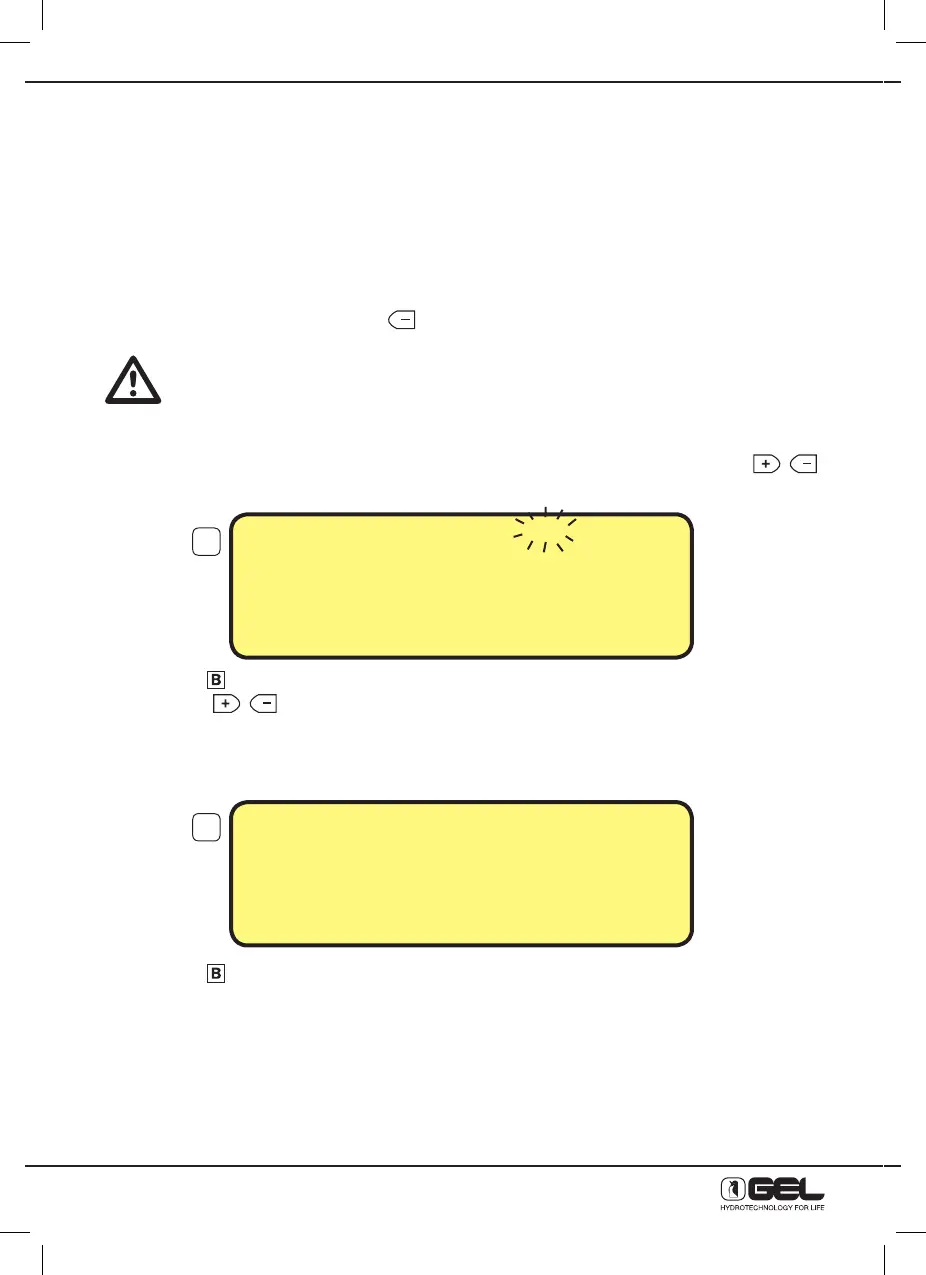
From the programming display 3, move the selection to the parameter “Alarm” with the keys
- press key
to confirm the selection, the display below will be shown
- press keys
either to activate (= ON) or deactivate the alarm (= OFF)
13.8 - SOUND ALARM = OFF
- press key
to confirm the selection
Programming will automatically close and the main display is restored.
In this case the alarm is off.
17
18
SOUND ALARM ON
From 8:00 To 22:00
TO CHANGE PRESS
+
or –
TO CONFIRM PRESS B
SOUND ALARM = OFF
From --:00 To --:00
TO CHANGE PRESS
+
or –
TO CONFIRM PRESS B



 To Next Page