ENGLISH
77
13.9 - SOUND ALARM = ON
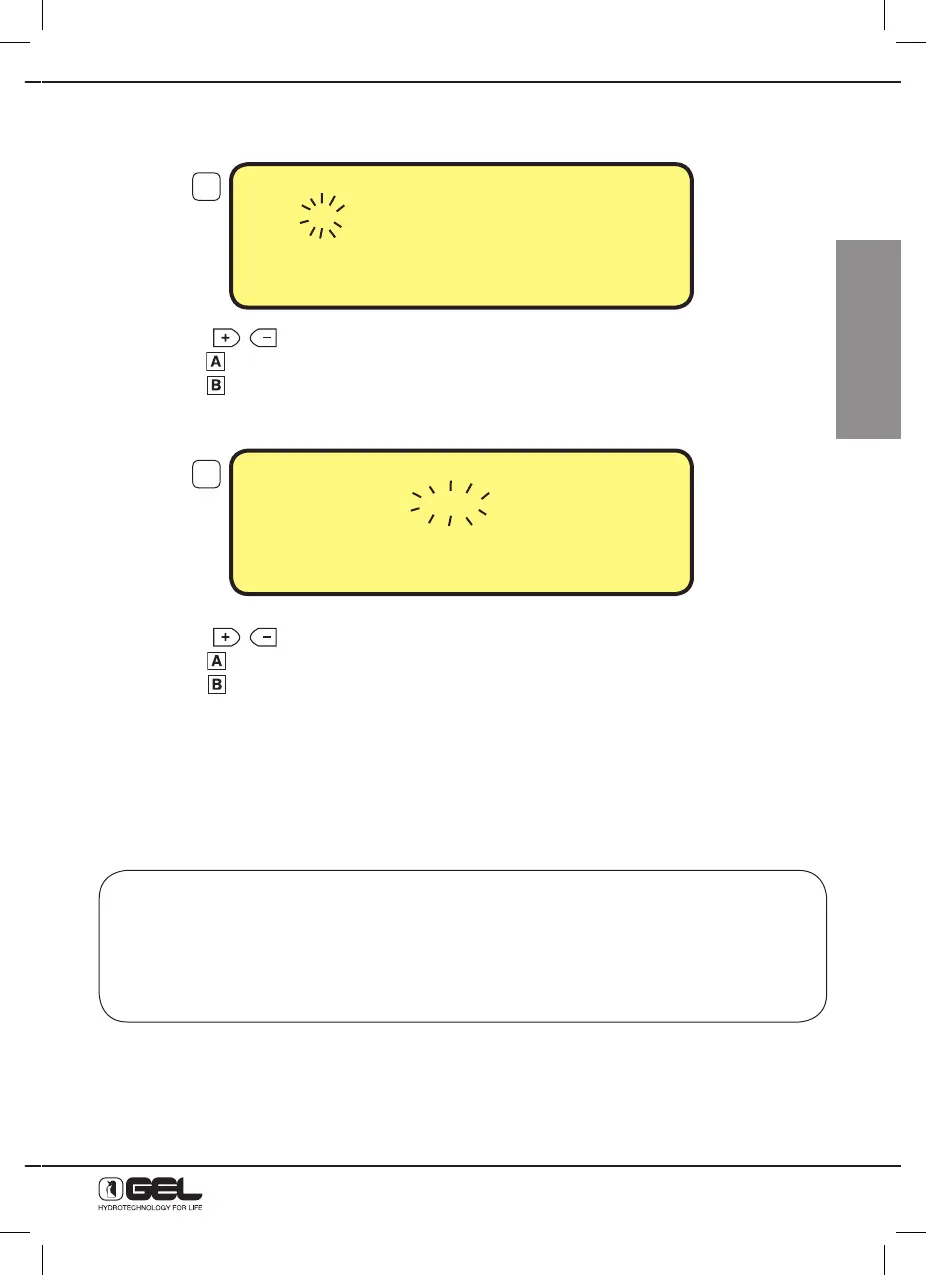
By pressing key B, the starting time of the period when the sound alarm is on starts flashing (From).
- press keys to change the period starting time from 0:00 to 21:00
- press key
to come back to the previous selection, or
- press key
to confirm the setting
The ending time of the period when the sound alarm is allowed starts flashing (To).
- press keys to change the period ending time from 1:00 to 22:00
- Press key
to come back to the previous selection, or
- Press key
to confirm the setting,
Programming will automatically close and the main display is restored.
In the example shown above, the sound alarm will start solely in the time period going from 8:00 to 22:00.
13.10 - HOW TO PROGRAMME THE WATER SENTINEL (reserved to Technical Assistance Service)
Only for models fitted with accessory Water Sentinel or Water Sentinel PRO
The Water Sentinel system (in both versions) is a device, the softener may be equipped with,
thanks to which water delivery is stopped after a certain programmed time in case of leakages
caused by faults to washing machines, dishwashers, pipe breaking or no water closing, thus
limiting the damages due to these leakages.
The Water Sentinel Pro also reads micro-leakages due for instance to old bored pipes. For the
installation, please refer to the instruction manual of the Water Sentinel for softeners.
SOUND ALARM = ON
From 8:00 To 22:00
TO CHANGE PRESS
+
or –
TO CONFIRM PRESS B
SOUND ALARM = ON
From 8:00 To 22:00
TO CHANGE PRESS
+
or –
TO CONFIRM PRESS B
19
20



 To Next Page