15
Enter the new name using the alpha text buttons.
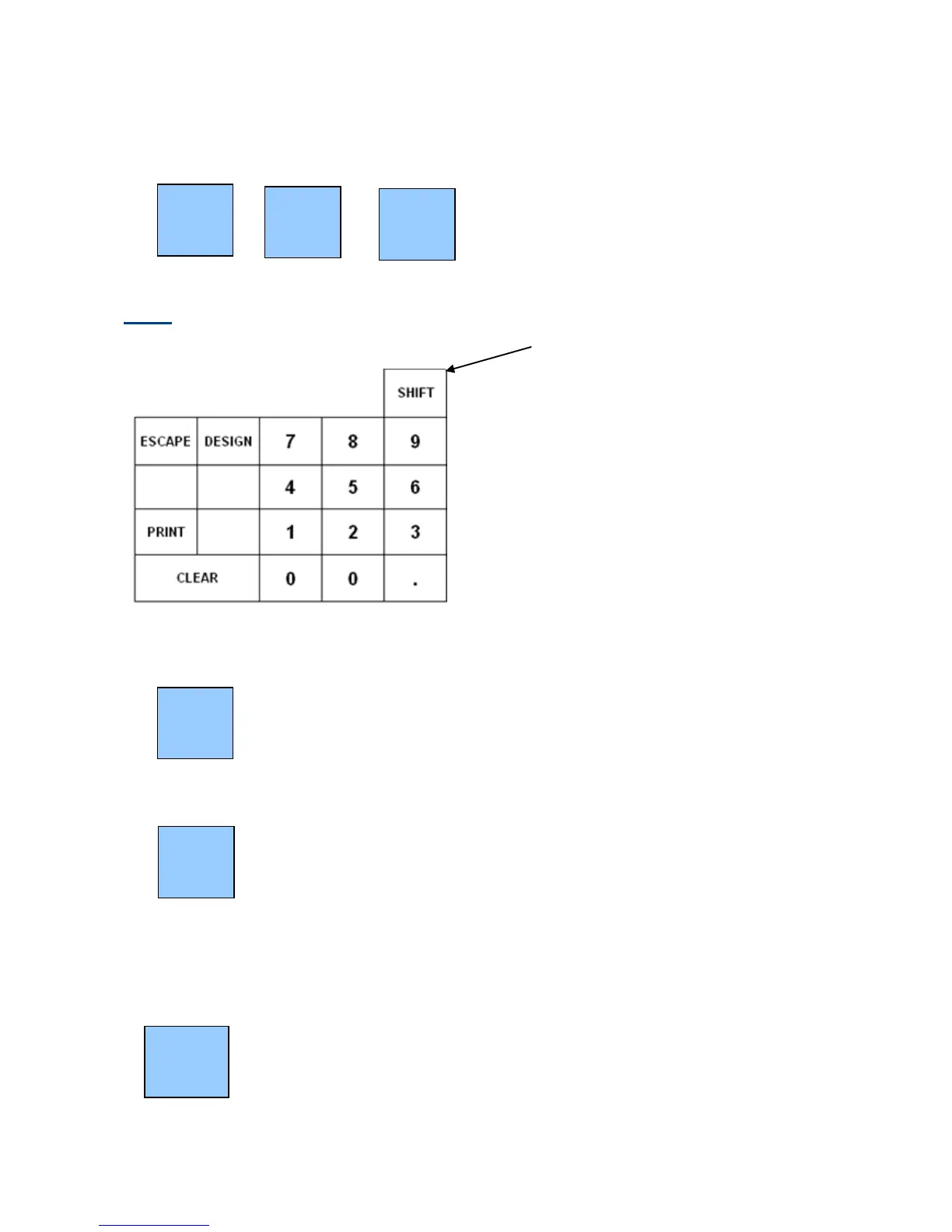
Note: The 2 SHIFT buttons (located above number 9 on the keyboard) can be used
to shift the keyboard between the 1
st
and 2
nd
set of letters as per the overlay
Press the 00 button
Press the required product
Repeat the above until all items have been changed.
Press NAME CHANGE again to finish making name changes. A list of changed
items will be printed on the receipt roll.



 To Next Page