16
QUICK PROGRAM CHANGES
It is possible to change the decriptions/prices of departments/products using the
quick functions. The chart below lists the codes for the relevant quick function
procedures.
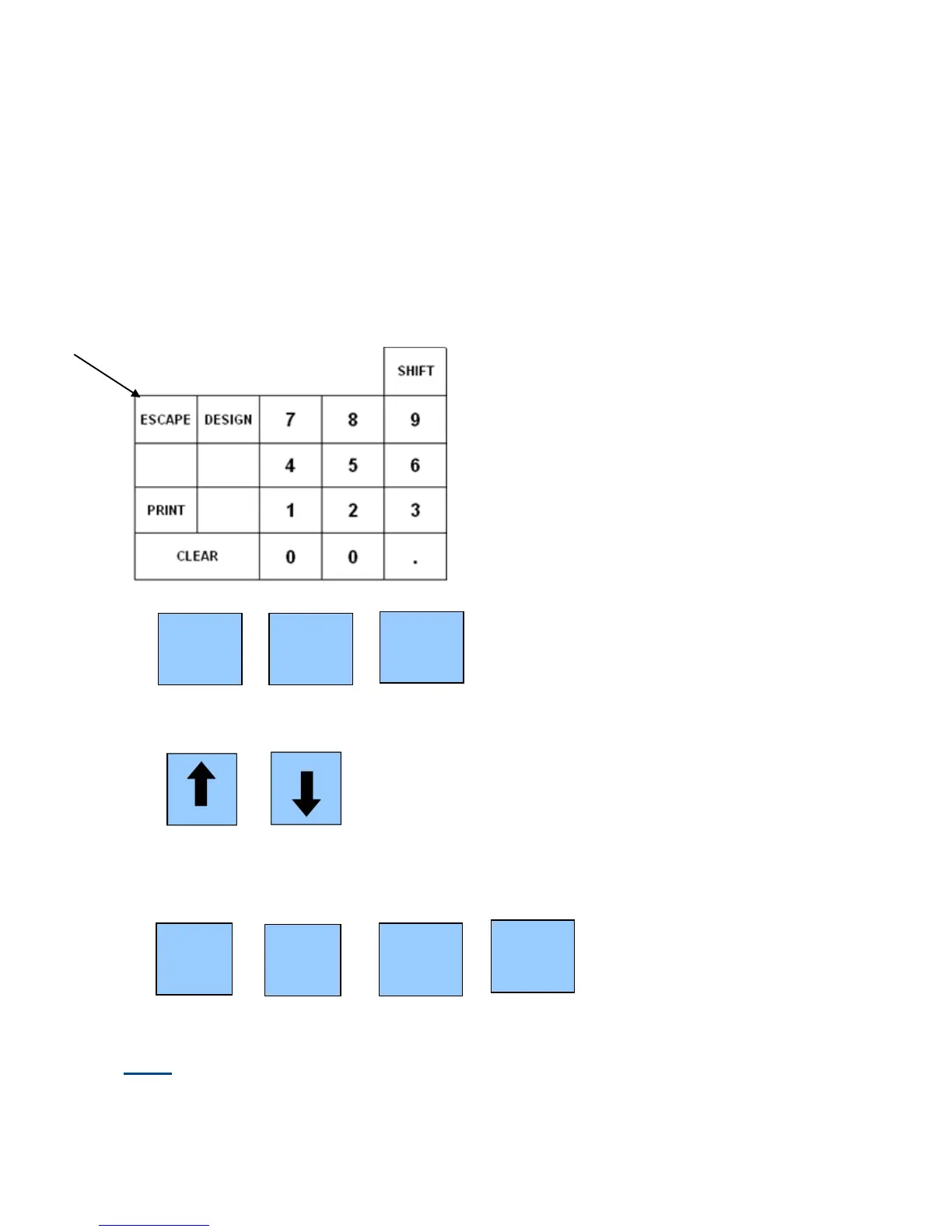
Example: To change the name of a product, turn the key to the P1 position on to
control lock, enter 43 followed by Escape (located at the top left button on the
keyboard.)
The till will display CNG PLU NM (Change PLU Name)
Either scan your item or use the up & down arrows to navigate to your product
Enter the new name of your item followed by Enter.
Note: The 2 SHIFT buttons (located above number 9) can be used to shift the
keyboard between the 1
st
& 2
nd
set of letters as per the overlay



 To Next Page