9
PAPER ROLLS
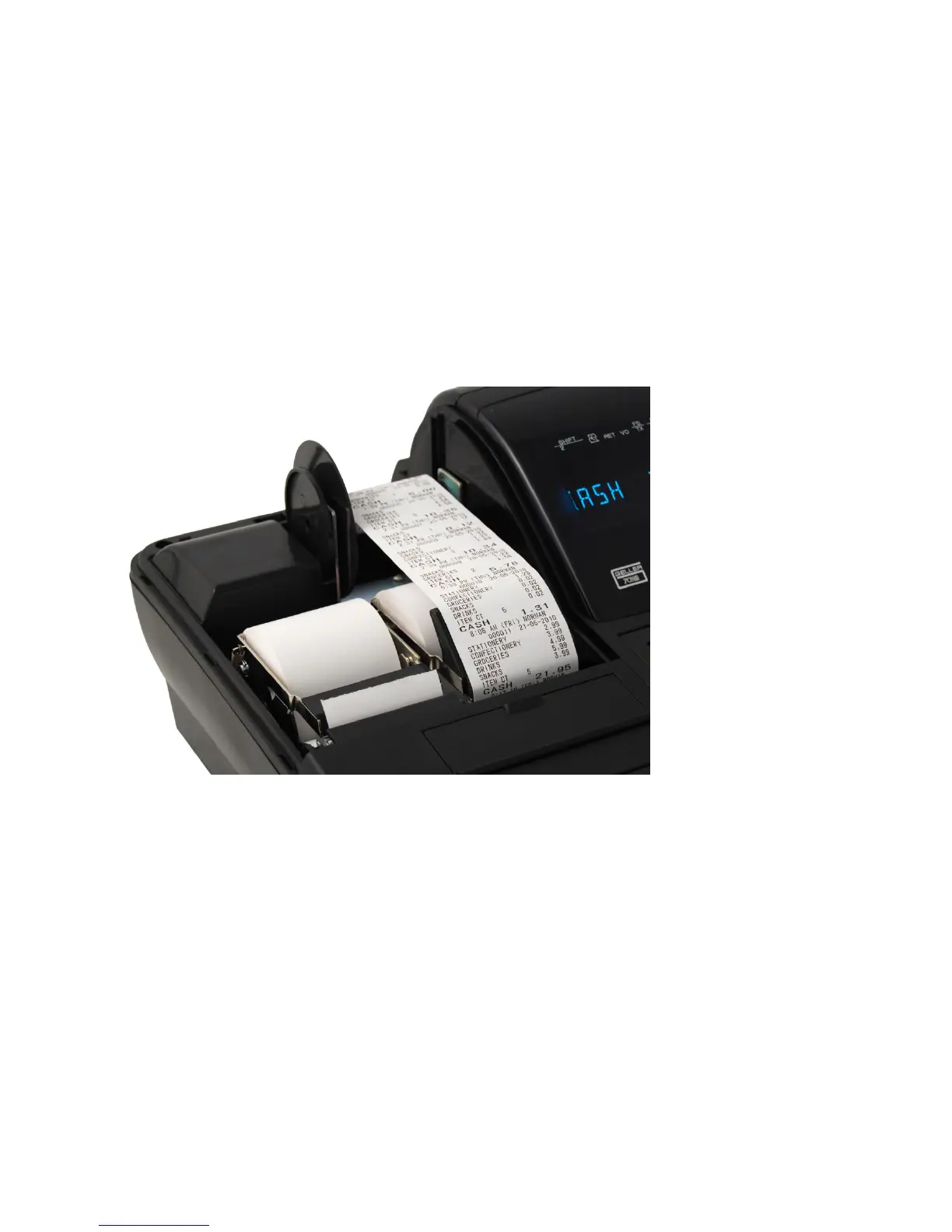
Installing the Paper Rolls into your SX-585
Your cash register comes fitted with 2 thermal printers which use 58mm
paper rolls.
Receipt Roll
1. Lift up the printer cover from the back
2. Press the Receipt Release Button located under the protective flap above the
keyboard
3. Remove the old till roll & drop the new till roll into the holder with the paper
feeding from underneath
4. Push the set plate down securing the paper in place
5. To feed the paper press the RF button on the keyboard



 To Next Page