5
PAPER ROLLS
INSTALLING THE PAPER ROLLS
Your cash register features a thermal printer which uses two rolls of 58mm standard
bond paper; one roll (left side) is for the customer receipt and the other roll is for the
journal record (right side). If a customer receipt is not required, a paper saving
option is available by pressing the [ON/OFF] key on the keyboard.
Before installing the paper roll, be sure to do the following to avoid causing a
paper jam:
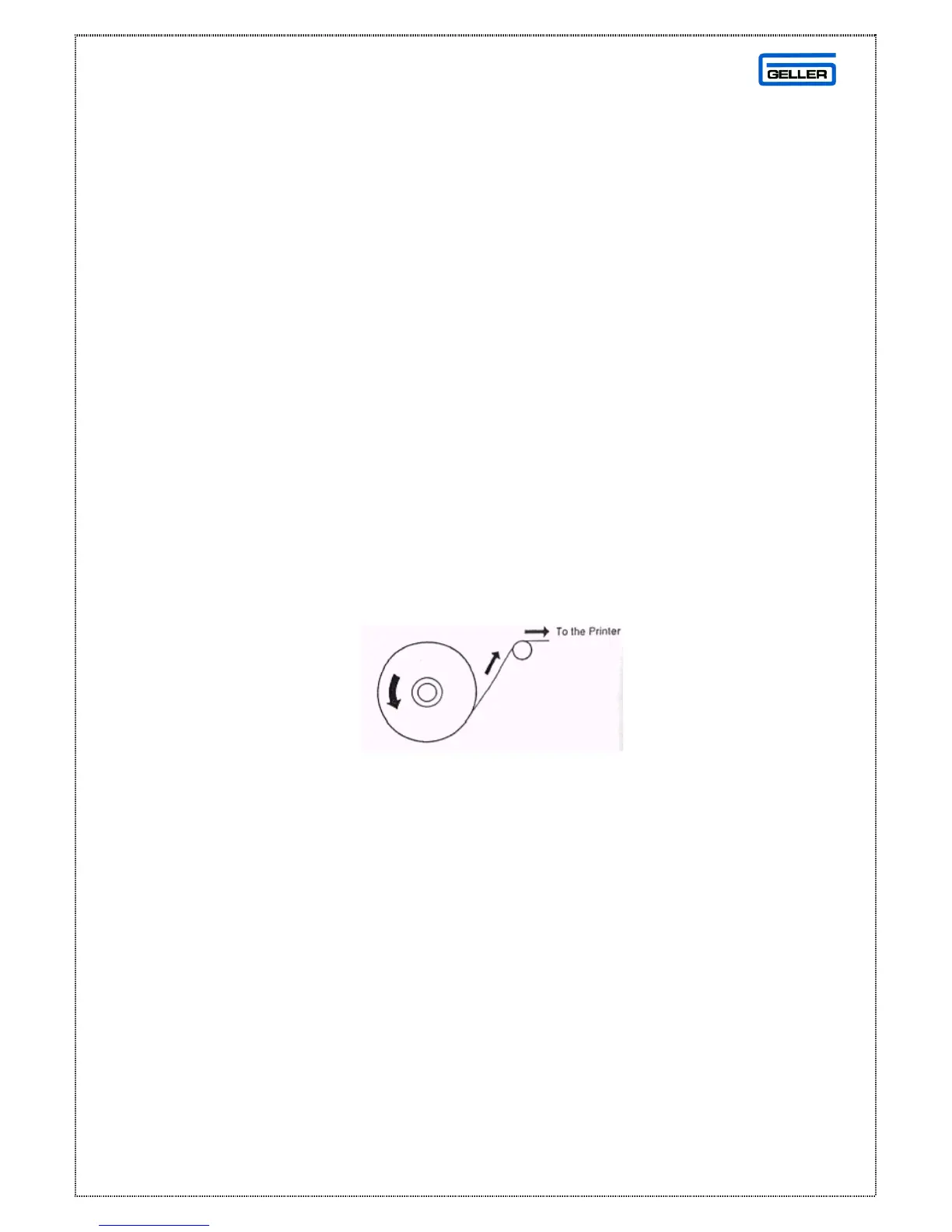
Orient the paper roll so that it rotates in a counter clockwise direction, as shown in
fig 1.
Fig 1
Note
1. As thermal paper is used, it has a right and wrong side for print. Install the
paper roll correctly
2. Carefully avoid touching the paper cutter when removing the paper cover.
CAUTION: If a paper jam occurs or a paper roll is used up during print, please
install a new paper roll and press the [ENT RLS] key to release.



 To Next Page