6
Installing the Paper Roll for the Receipt
1. From the front of the cash register, hold onto the rear of the printer cover and
lift it up
2. Push the platen release button (left) to raise the paper guide
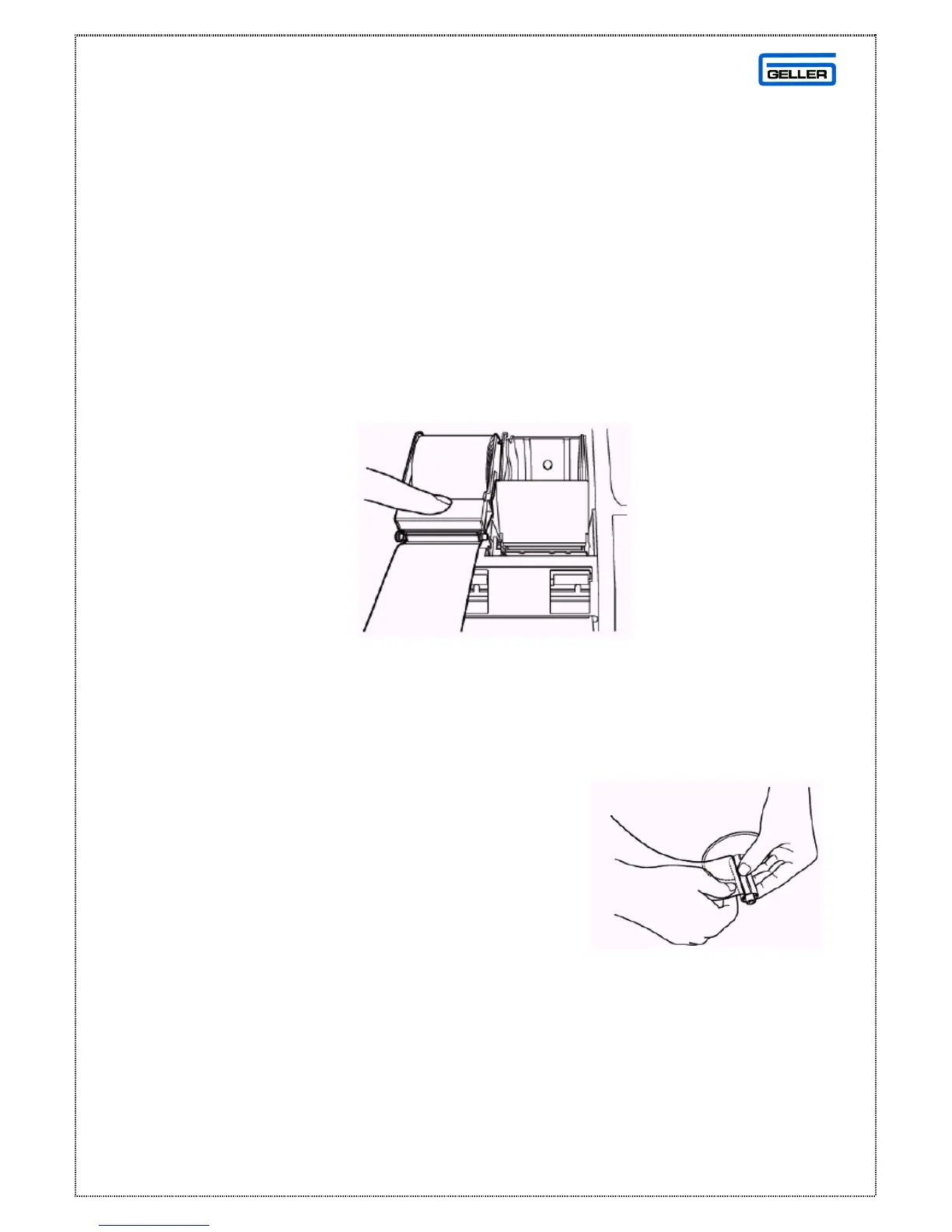
3. Load the paper roll into the receipt location, and put the paper end to this side
4. Depress the paper guide (see fig 2)
5. Keep the paper guide to this end and close the printer cover
Fig 2
Installing the Paper Roll for the Journal
1. Make sure the Control Lock is in the ‘R’
(Register) position
2. From the front of the cash register, grab the
rear of the printer cover and lift it up
3. Push the platen release button (right) to raise
the paper guide
4. Load the paper roll into the journal location, and put the paper end to this side
5. Depress the paper guide
Fig 3



 To Next Page