www.gemu-group.com16 / 24GEMÜ 8500
11 Electrical connection
9. Push gasket 5 and pressure ring 4 into plug 2.
10. Insert terminal block 3 again in the plug 2 until it audibly
clicks in position.
11. Screw plug 2 to solenoid with retaining screw1 (max.
0.3Nm).
12. Tighten cable entry 6.
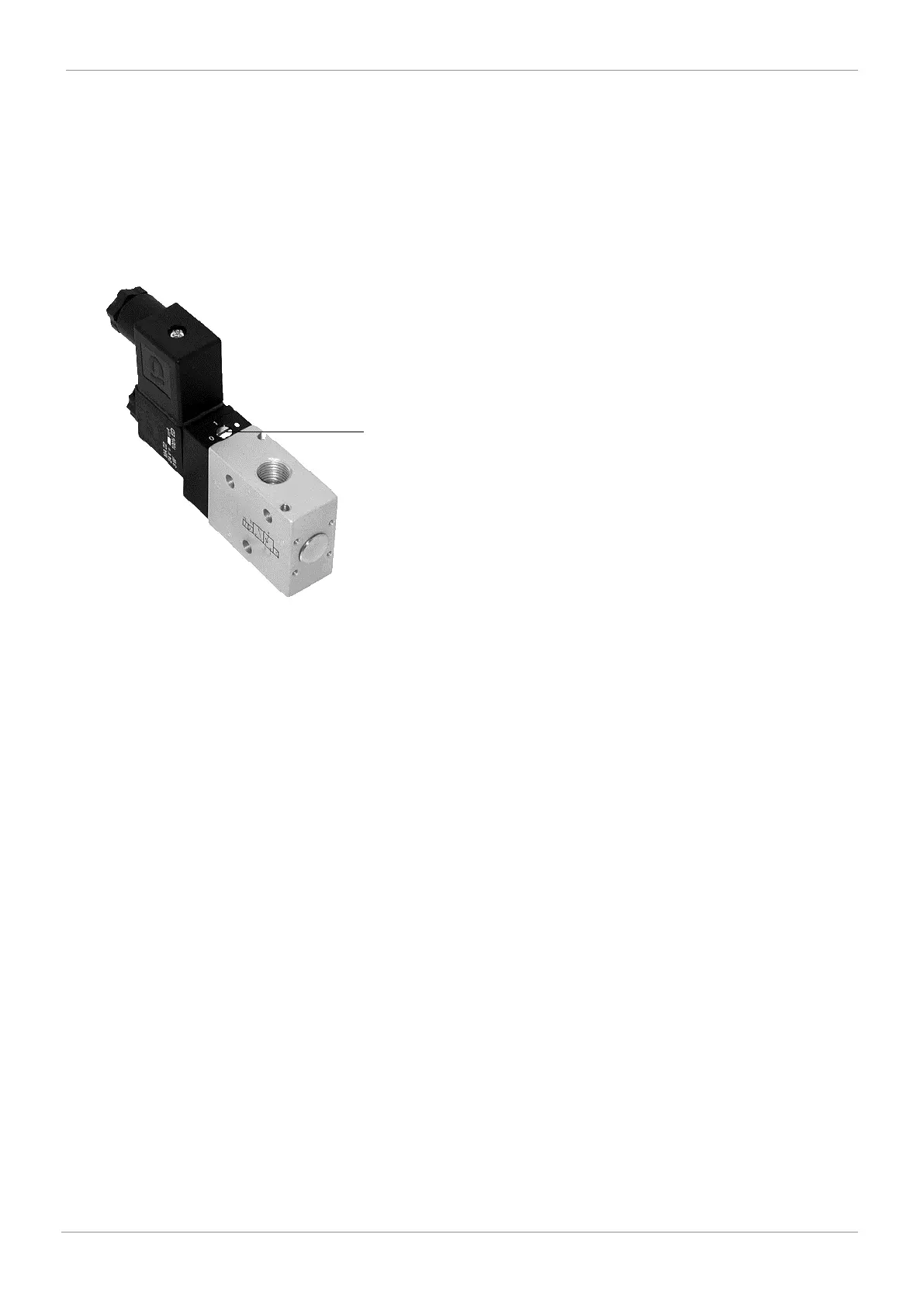
11.1 Manual override
Fig.5: Manual override
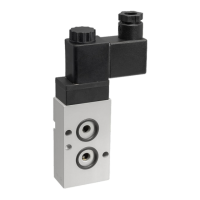
The pilot solenoid valves are equipped with a manual override
8.
Only actuate the manual override in case of malfunction!
Actuate valve via manual override:
• Turn the rotary screw with a screw driver to position 1 (until
it stops).
Close valve by manual override:
• Turn the rotary screw with a screw driver to position 0 (until
it stops).


 To Next Page