GEMORO PRO-D 3 16
12. Using the Optional Test Stone
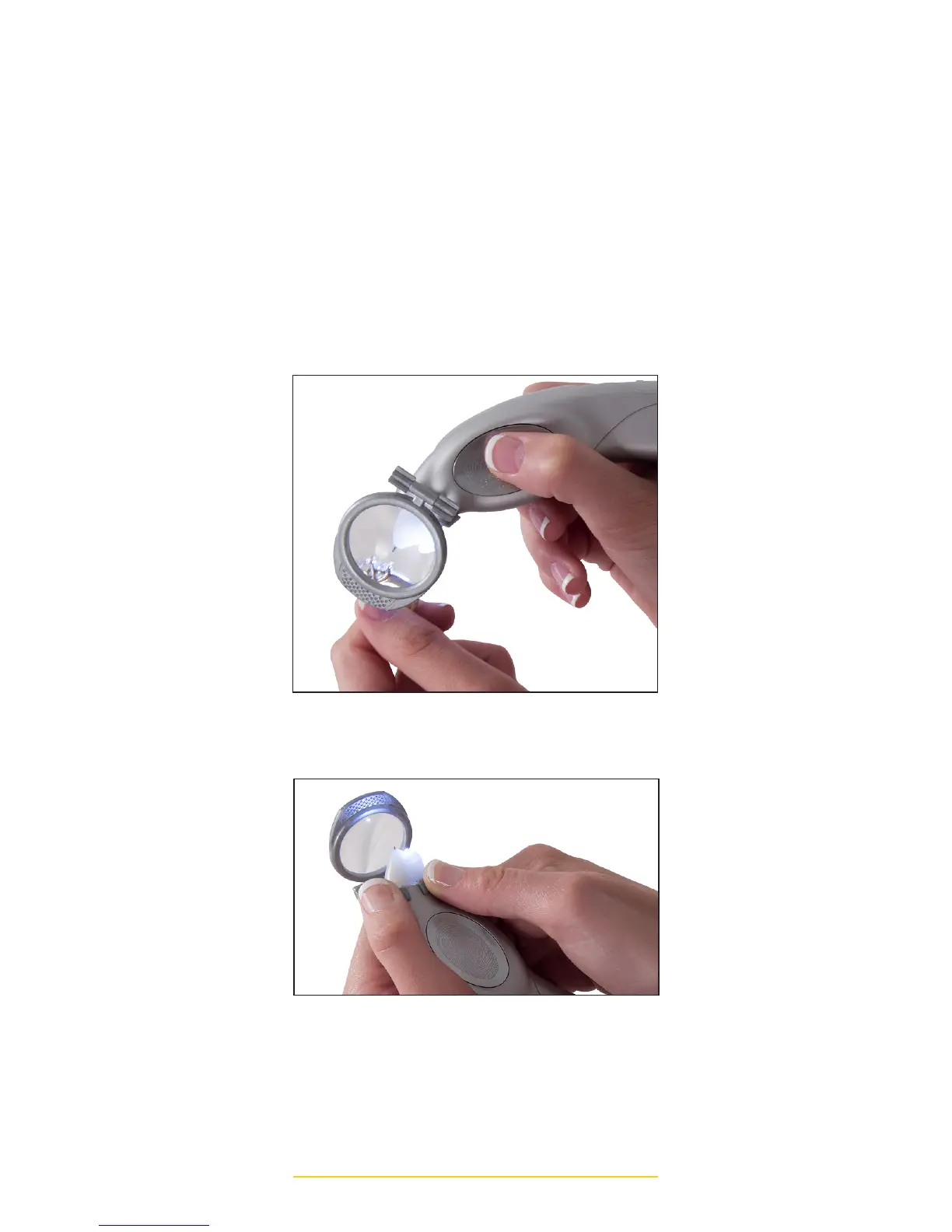
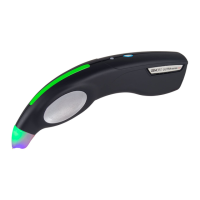
Magnifier: Insert the PRO-D 3’s probe
tip cone through the wider opening of
the magnifiers oval shaped bracket
and clip it into place. Depending on
whether you are right or left handed,
you may conveniently position it
on either side of the tester. Pivot
the hinged magnifier so that it is
positioned in front of the testers
probe tip. You may now view
the stones you are testing under
magnification. (see image)
HOW TO REMOVE THE MAGNIFIER
HOW TO USE THE MAGNIFIER



 To Next Page