System Operation (cont.):
Advanced Functions
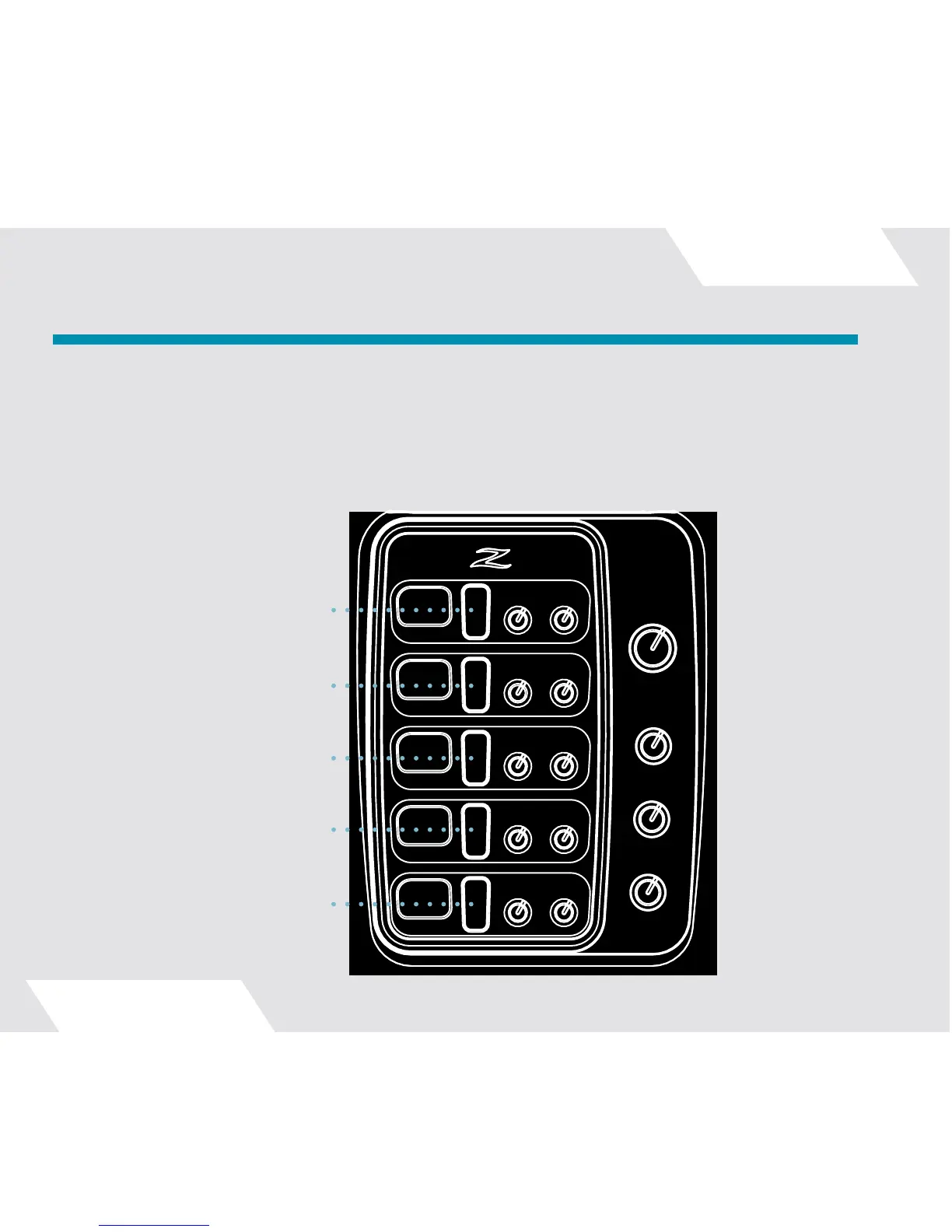
Your DCP includes five “second-level” functions which are accessed by pressing and holding both the up and
down buttons of a channel for about a second. There’s no need to use two hands or fingers, though – just press
and hold the center of the button firmly until the second level mode is indicated on the display. The illustration
below shows all the second-level functions:
Enter/Exit Settings Menu
● ●
Enter/Exit Reverb Preset
Select Mode
● ●
Enter/Exit Channel Solo Mode
● ●
Enter/Exit Cymbal Finder Mode
● ●
Enter/Exit Kit Preset Mode
● ●



 To Next Page