System Setup (cont.):
HiHats:
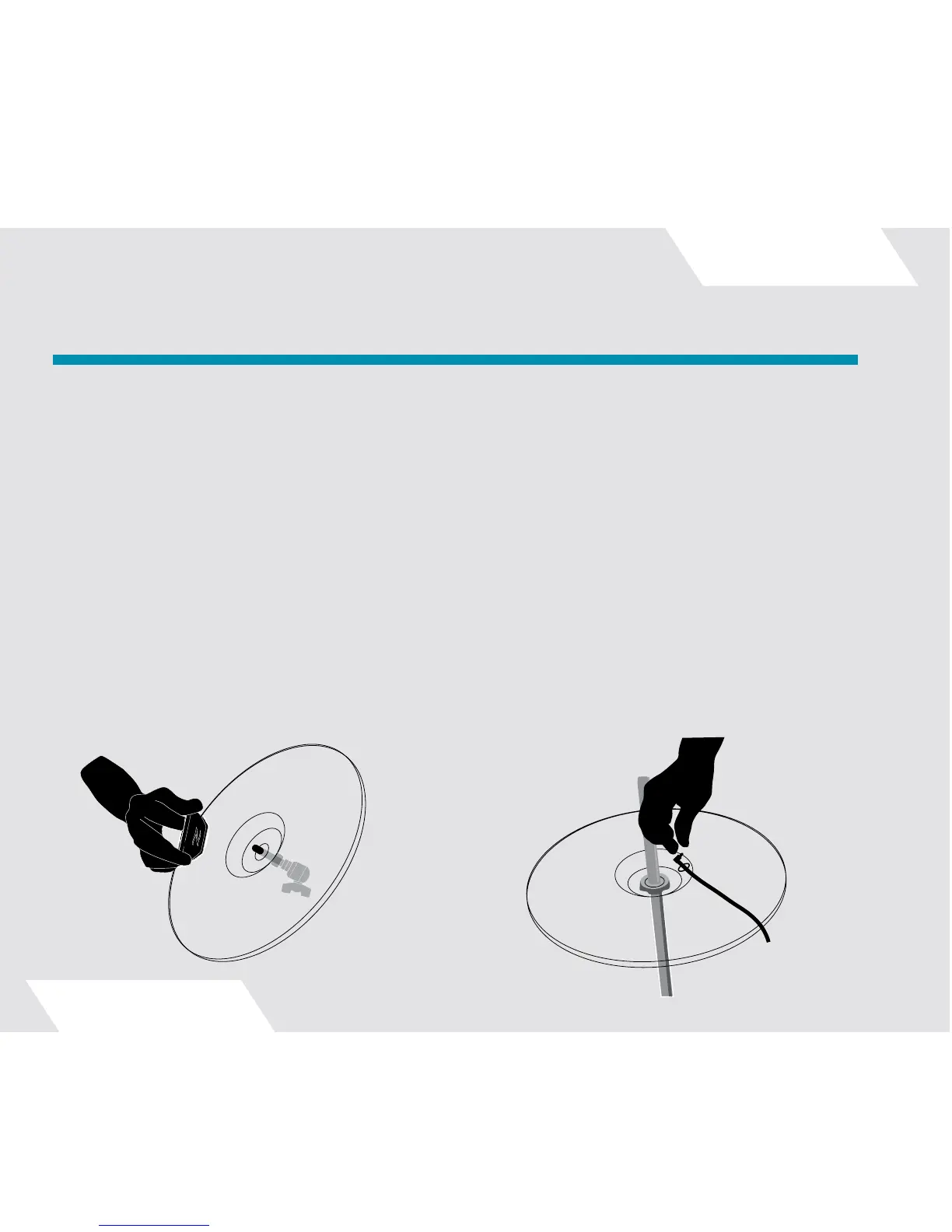
To mount the Hi-Hat pickup, slide a foam washer over the shaft of the supplied clutch. Slide the shaft through
the top Hi-Hat cymbal and slide on another foam washer, then an AE pickup without a cymbal sleeve. (Note: the
top Hi-Hat fits very snugly onto the clutch shaft.) Finally, screw on the bottom clutch nut. The Gen16 clutch nut
has a special hex top, which engages a mating hex recess in the inner surface of the pickup, making it easy to
screw the nut on by rotating the pickup.
Place the included bottom Hi-Hat foam washer on your Hi-Hat stand. Next, place the bottom AE Hi-Hat cymbal
(the one with the hole and rubber grommet) on your Hi-Hat stand. Insert the cable snake’s blue-coded right-
angle plug through the grommet and into the jack on the bottom of the pickup. Place the assembled top Hi-Hat
cymbal onto the Hi-Hat stand, leaving a gentle curve of cable about 3 inches long between the pickup and the
exit hole in the bottom cymbal. The cable is not designed to exit directly out of the hole.
Setting Up Your AE Cymbals:
12



 To Next Page