Ceph Upgrade
1-5032-0296-EN Rev 0
Ceph Collimator Alignment
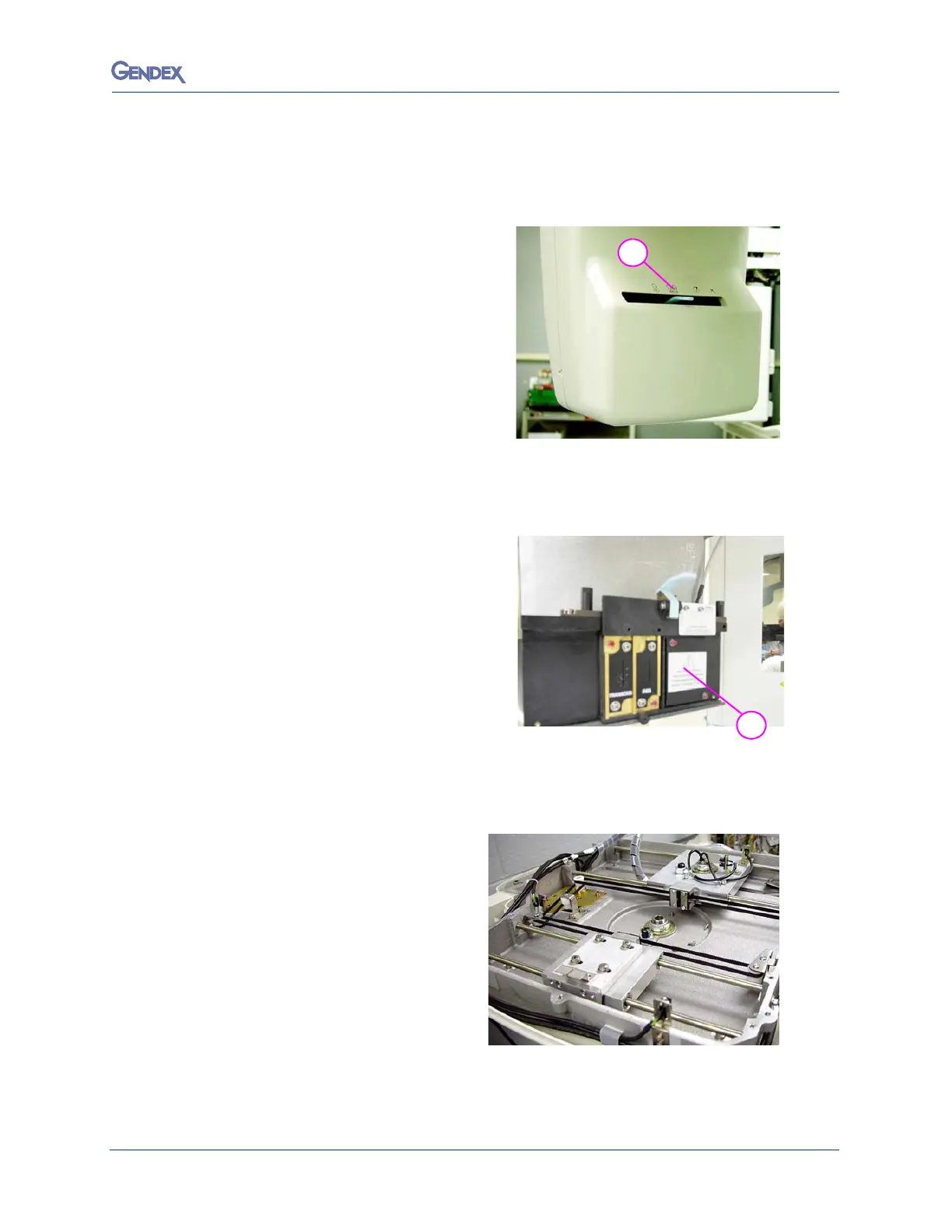
NOTE: The ceph plates are NOT installed.
1. Move the collimator lever to the first
ceph position, LL Max (H-22).
2. Remove the front tubehead cover to
uncover the collimator assembly.
NOTE: The
brass
plate into the Ceph
collimator location is not yet
installed.
3. Remove Ceph cover plate where
c
o
llimator is to be installed.
4. Restore power to the device.
5. Move the DMU to the ceph bay.
6. Press the Reset button.
The Reset Light should illuminate.
7.
Remove top cover of ceph.



 To Next Page
 Loading...



