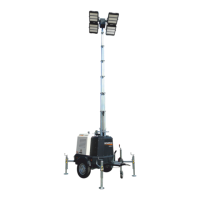
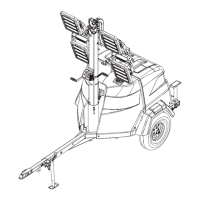
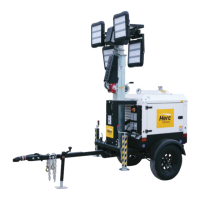
Owner’s Manual for G4-ECO Light Tower 19
General Information
Setting the Timer
This preset automatically turns the unit ON at a user-
defined time. The unit will remain ON until a delay period
set by the user elapses. When the delay period elapses
the unit will shut OFF.
The unit allows for up to 14 scheduled timers. Within the
T
imer menu these presets are named: Program 1-14. In
each program it is possible to set the day and time the
unit starts and the duration of operation.
To set a Program:
NOTE: See Navigating Within the Operator Menu for
in
formation on accessing and adjusting settings.
1. Access the Oper
ator menu.
2. Access the
Timer menu.
3. Access
the desired Program.
4. Within
the Program menu, adjust the following:
• Set Enable to Yes.
• Set the Beginning At to the desired start time.
Available values are 00:00 to 23:59.
• Set Duration to the desired duration of operation.
Available values are 00:00 to 99:59.
• Set Day to the desired day of operation. Available
values are Monday through Sunday.
5. Exit the
Program and Timer menus.
6. Set the unit
to Automatic mode using the controller
Manual/Auto button.
7. Use the con
troller Manual/Auto button to set the
unit to Automatic mode.
NOTE: Wh
en Automatic mode is selected, the default
manual mode icon will be replaced by the timer icon:
.
Setting the Clock
NOTE: See Navigating Within the Operator Menu for
information on accessing and adjusting settings.
1. Access the Oper
ator menu.
2. Access
the Clock menu.
3. Access
the desired Program.
4. Within
the Clock menu, adjust the following:
• Set Hours to the current time.
• Set Minutes to the current time.
• Set Day to the current day.
• Set Month to the current month.
• Set Year to the last two digits of the current year.
5. Exit th
e Clock and Operator menus.
Resetting Maintenance Alarms
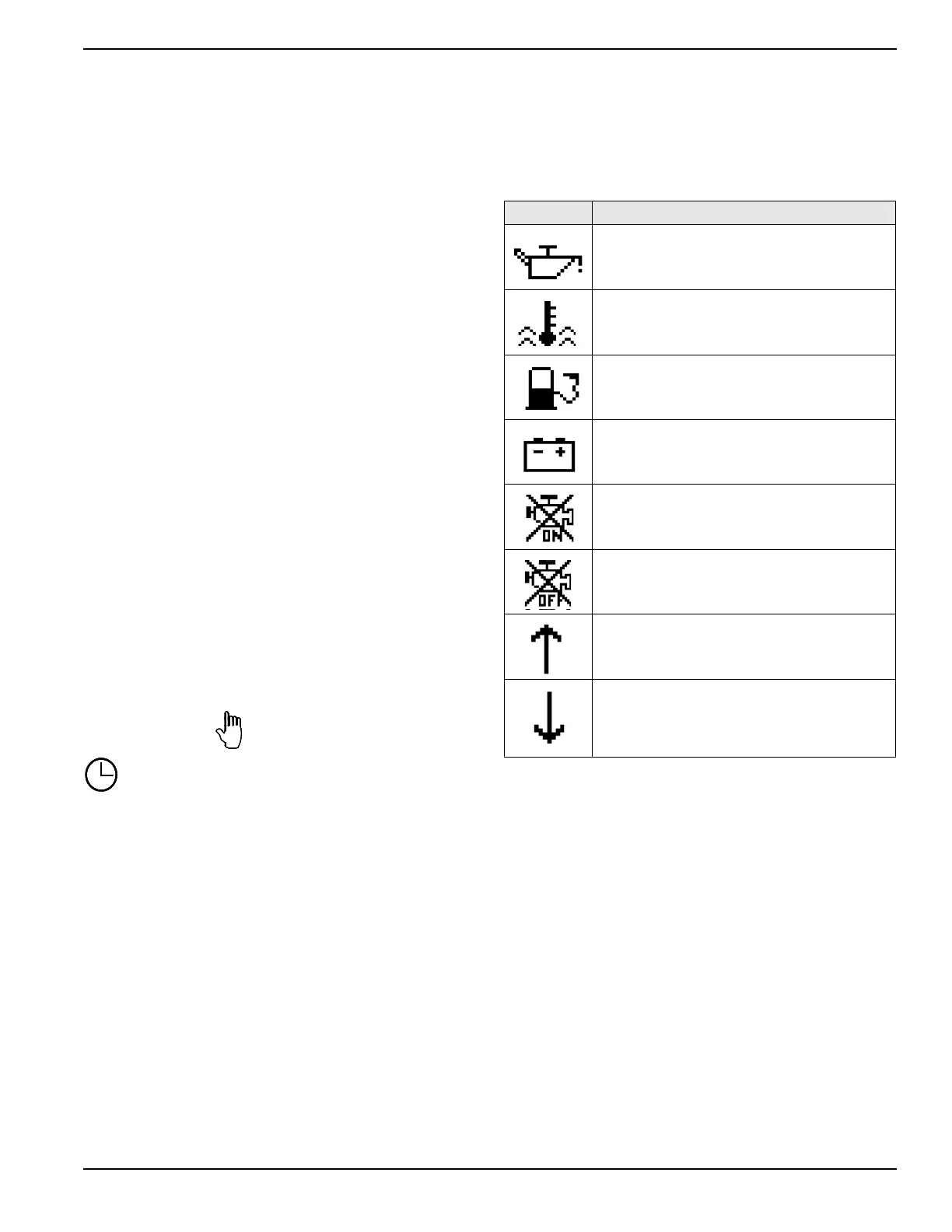
When a maintenance fault occurs, a maintenance alarm
icon will appear on the controller screen identifying the
fault. See Table 2-1.
Table 2-1. Maintenance Alarms
Icon Description
Low oil pressure
Engine oil pressure has fallen below its con-
figured low oil pressure alarm level.
High temperature engine coolant
Engine coolant temperature has risen above
its con
figured temperature alarm level.
Low fuel level
Engine fuel level has fallen below its config-
ured low fuel level alarm.
Battery charger fault
Battery has failed to charge.
Fail to stop
The engine continues to run after instructed to
stop.
Fail to start
The engine has failed to start after the config-
ured number of start attempts.
Over voltage/frequency
Generator/utility AC has risen above its con-
figured alarm level.
Under voltage/frequency
Generator/utility ACT has fall
en below its con-
figured alarm level.
To clear the alarm, the fault must be resolved and the
alarm reset. See General Troubleshooting for help on
d
iagnosing and correcting maintenance issues.
To clear the alarm:
NOTE: See Navigating Within the Operator Menu for
info
rmation on accessing and adjusting settings.
1. Acce
ss the Operator menu.
2. Acce
ss the Maintenan. OK menu.
3. Set
Maintenan. OK to YES.
4. Exit the Ma
intenan. OK and Operator menus.


 To Next Page