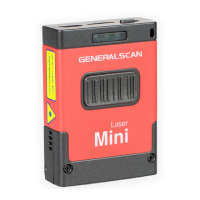
18-1.Bluetooth Pairing Guide
When you use Generalscan Bluetooth barcode first time, the default data transfer
interface is Bluetooth HID mode, You can connect Bluetooth barcode scanner with
Android, iOS, Windows device.
For detailed instructions,
please visit the following web site.
The Generalscan Bluetooth barcode scanner have three transfer protocols, First is HID
mode. Android, iOS and Windows support HID, You don't need install any software to
use HID. You can scan barcode into the cursor position.
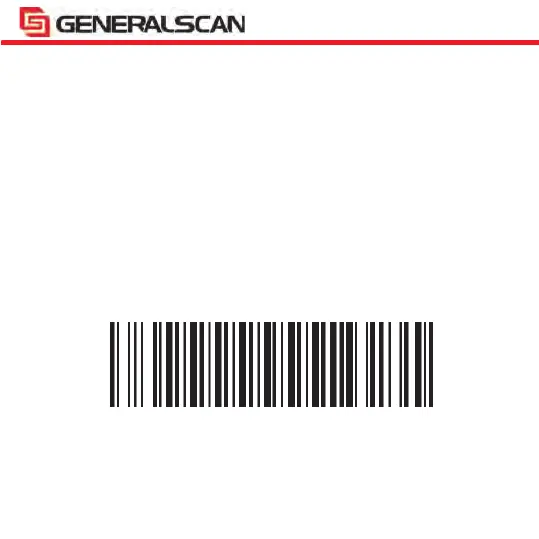
Please scan the following barcode to switch HID mode:
Note: Apply for all Bluetooth barcode scanner
Bluetooth HID Mode


 To Next Page