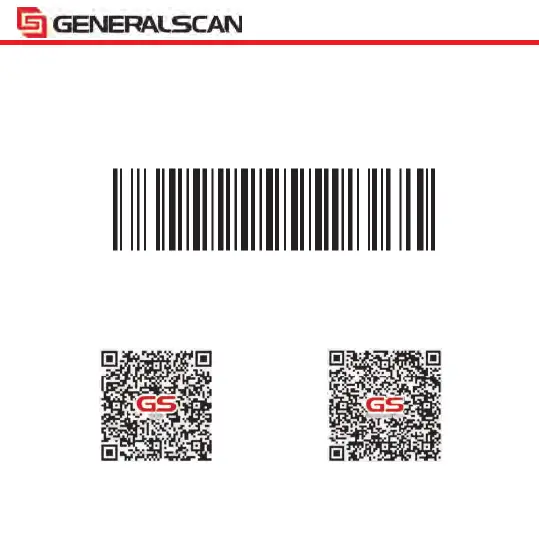
The second is SPP mode. This mode is wireless serial port mode, Android system
support SPP mode, but iOS don't support this mode. When you connect Android
system not successful in HID mode, please switch to SPP mode.
When you use SPP mode for Android platform, you should use the “Generalscan SDK
Demo” or “Generalscan Keyboard-Pro” APP to read barcode from the SPP port.
Scan the QR code below to download the APP from Google Play.
Note: Apply for all Bluetooth barcode scanner
18-2.Bluetooth Pairing Guide
Bluetooth SPP Mode
Generalscan SDK Demo Generalscan Keyboard-Pro


 To Next Page