Need help?
Do you have a question about the Genexis OCG-218 and is the answer not in the manual?
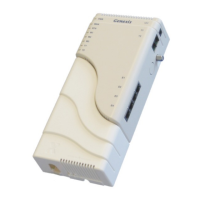
Overview of the Genexis Routed Ethernet Gateway and its purpose.
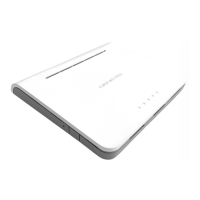
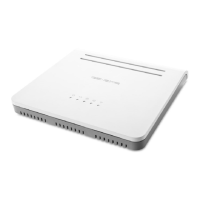
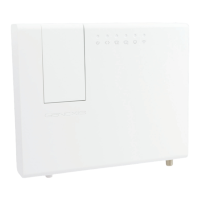
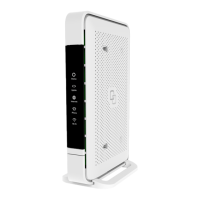
Details about the router's physical components and status indicators.
Steps to connect the router's power adapter and a computer via Ethernet.
Instructions for setting up network adapter properties for Windows XP/Vista.
Steps to launch the web browser and log in to the router's management interface.
Guidance on resolving common problems like LED status and interface reachability.
Configuration of IP address, subnet mask, and DNS relay for the local network.
Settings for Routing Information Protocol to share routing information on the LAN.
Configuring port forwarding to allow external access to internal LAN services.
Adding or editing routes in the IP routing table for network traffic.
Defining URLs or domains to allow or block web access.
Limiting inbound traffic to trusted IP addresses for specific services.
Managing router access, passwords, and remote management settings.
Setting the router's internal clock, time zone, and daylight saving.
Setting up Dynamic DNS to host servers with a changing IP address.
Viewing firmware version and network connection details.
Viewing and managing router logs, including firewall and system events.
Monitoring network traffic statistics like sent/received packets and dropped packets.
Viewing and understanding open firewall ports created by various features.

 To Next Page
 General