English
-13-
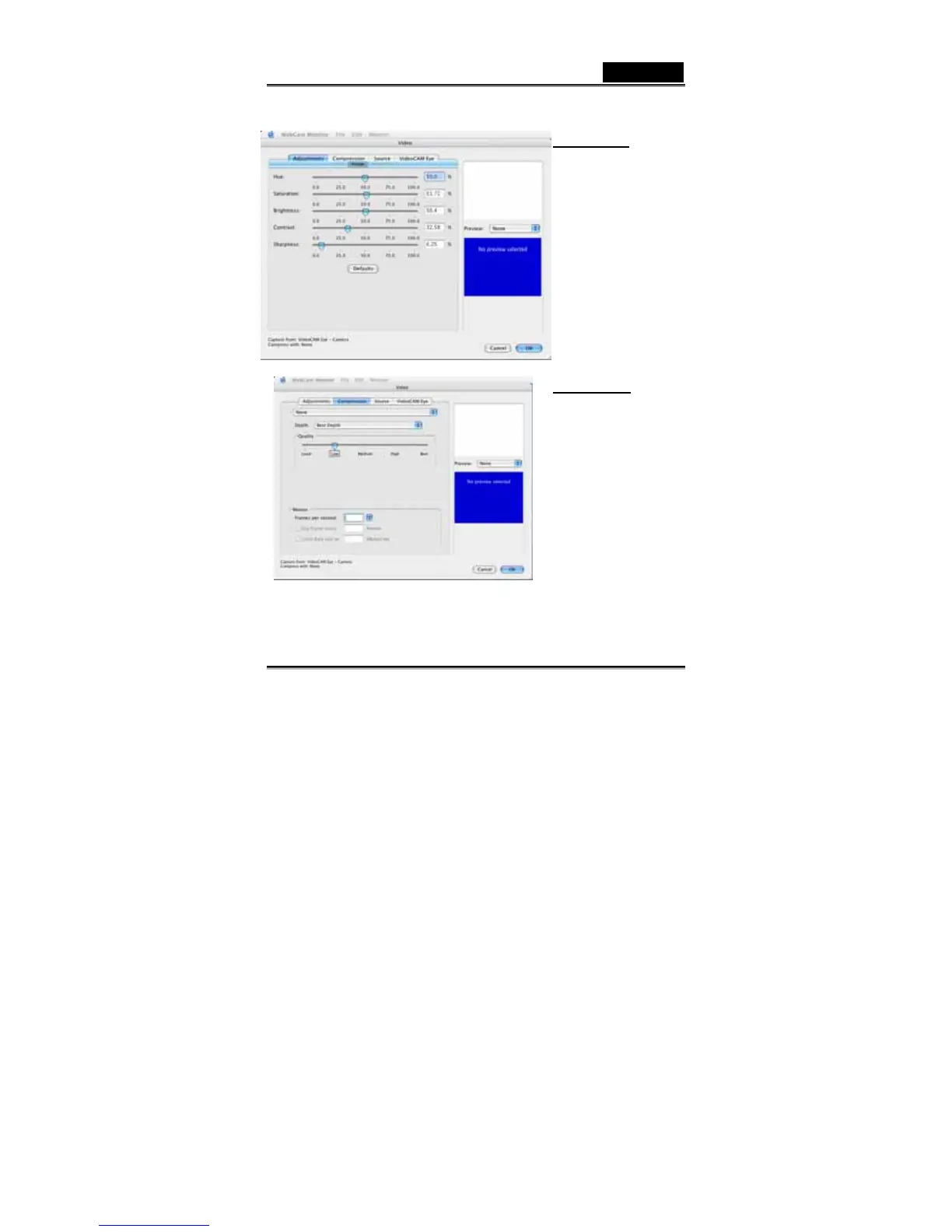
There are four sections to adjust values due to different circumstances.
Adjustments:
In the section, you can adjust
different values toward image
itself.
-Press “Default” to return to
the manufacturer’s settings.
Compression:
In this section, you can have
different compression choices
for your images, file type and
image quality. Also, you can
set up the frame rate for the
video clip recording.
Please note that before you
change the file format, make
sure that you have application
to support the file format you
set up.














 To Next Page