English
-14-
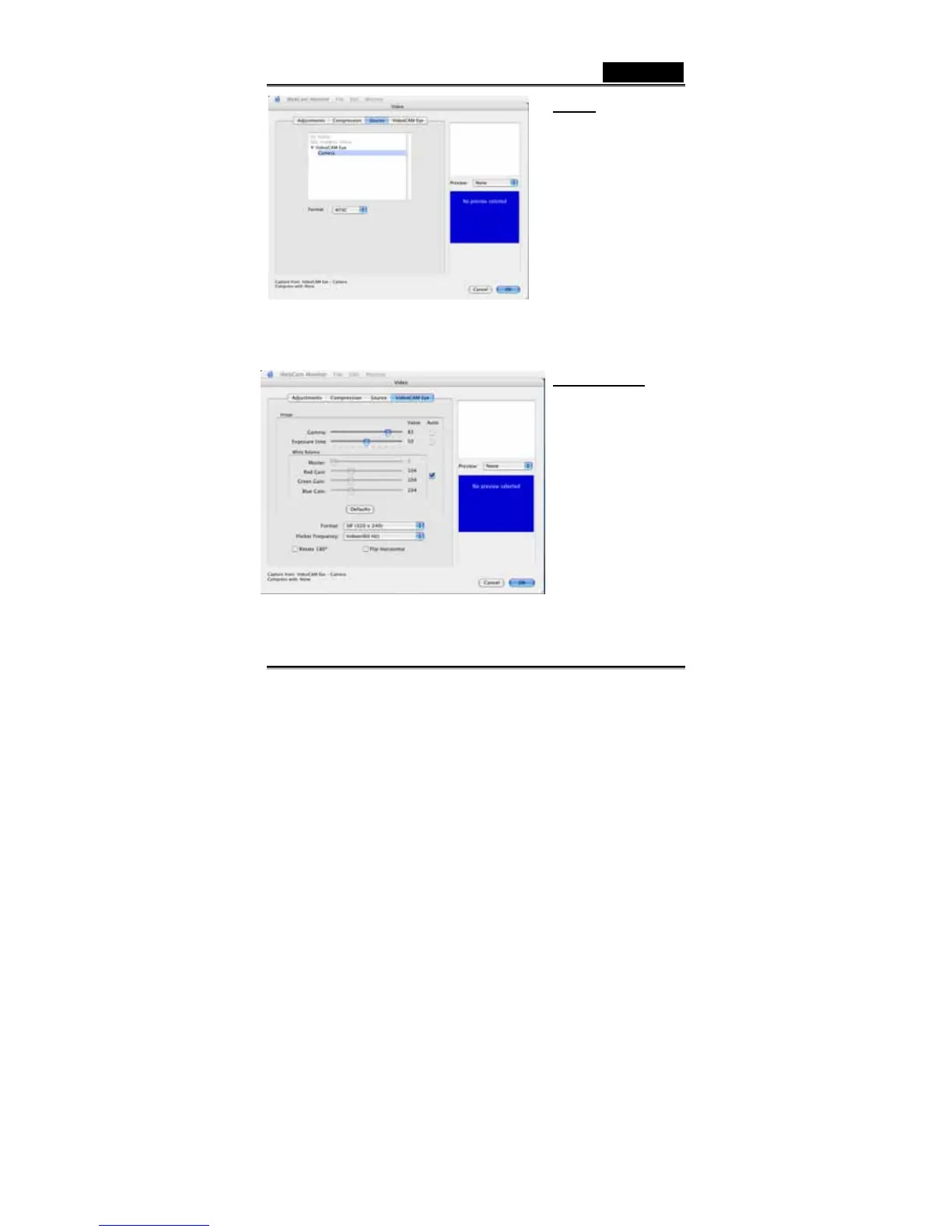
Source:
In this section, you have to
make sure that the image
source is correspondent to the
input device you are using.
-Format: Select the correct
video system, which depends
on the country you are in.
VideoCAM Eye:
In this section, you can adjust
different values toward image
appearance for different
environment.
- In “Gamma and Exposure
time”, you can simply click
“Auto” or adjust the values
by yourself.
-In “White Balance”, the
default is “Auto”. If you want
to adjust the values by
yourself, please unclick














 To Next Page