22
Test Project
2. Run G-code for processing
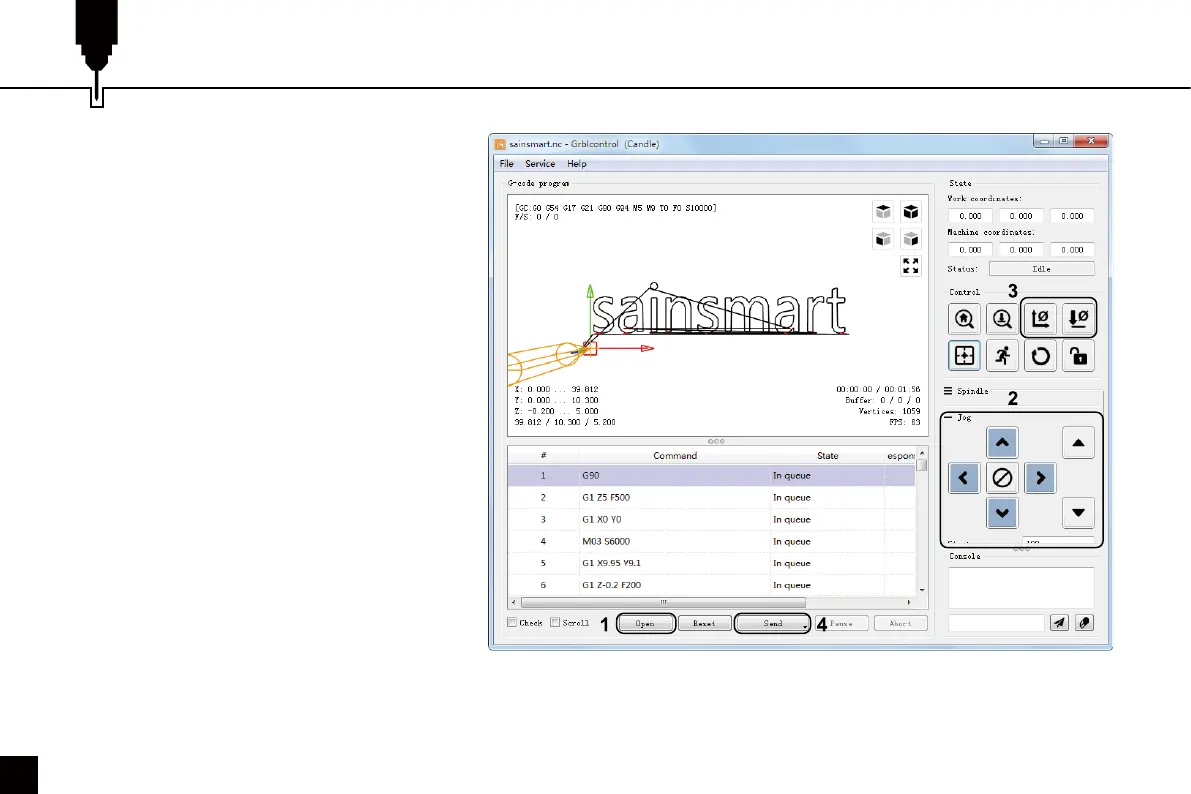
Step 1: Click [open], select the G-code to run.
Step 2: Click on the manual operation panel,
move the spindle to thestarting. Point of the
engraving, so that the tool and the workpiece
just touch.
Step 3: Click [ZeroXY] [Zero Z] Clear the XYZ
axis coordinate.
Step 4: Click [Send] running G-code.
3. About firmware parameters
The parameters of the control board have been
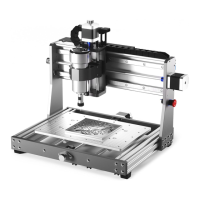
configured according to 3020-PRO MAX V2.


 To Next Page