
 Need help?
Do you have a question about the GeoVision GV-FD2410 and is the answer not in the manual?
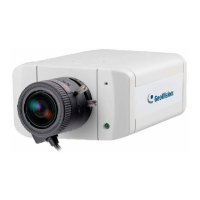
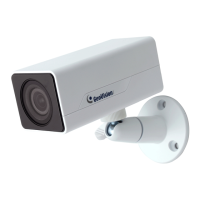
Step-by-step guide for installing the Ultra Box Camera.
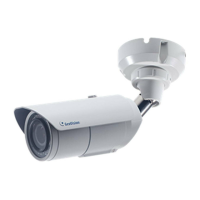
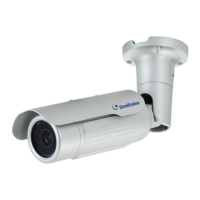
Step-by-step guide for installing the Bullet Camera.
Covers video settings, motion detection, privacy mask, text overlay, and visual automation.
Configuration of network settings, including LAN, Wireless Client Mode, and TCP/IP.
Instructions on updating camera firmware via Web interface or IP Device Utility.
Step-by-step guide to reset camera settings to factory defaults.
 General
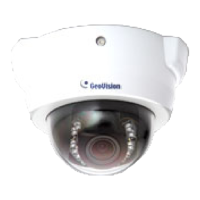
| Camera Type | Dome |
|---|---|
| Lens Type | Fixed |
| Focal Length | 3.6 mm |
| Aperture | F2.0 |
| Ethernet | 10/100 Mbps |
| Network Interface | RJ-45 |
| Ingress Protection | IP67 |
| Minimum Illumination | 0 Lux (IR on) |
| IR LED Quantity | 12 |
| Day/Night | ICR |
| Video Compression | H.264 |
| Max. Frame Rate | 30 fps |
| Audio Support | No |
| Protocols | HTTP, TCP/IP, UDP, RTSP, RTP, SMTP, FTP, DHCP, DNS, DDNS, NTP, UPnP |
| Power Supply | 12V DC |


 To Next Page


