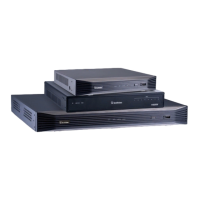
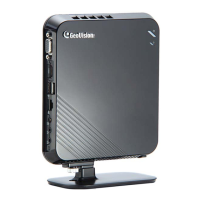
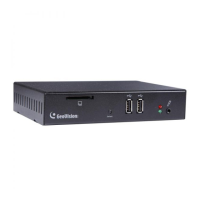
The IR Remote Control
10
11
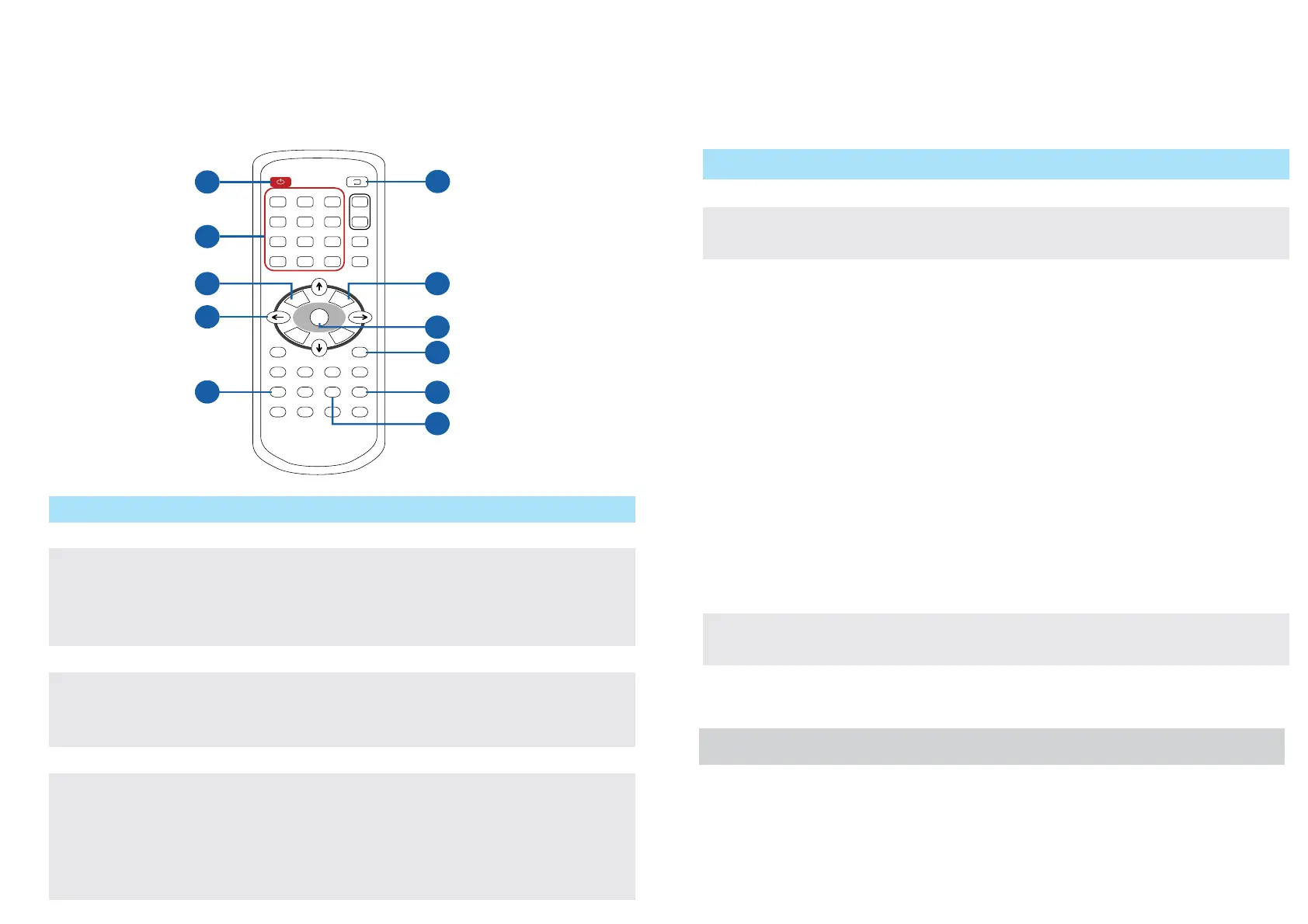
Name
Power
Numeric /
Alphabetical /
Punctuation
Marks keys
Back
Arrow
REC
Loop Start /
Stop
No.
1
2
3
4
5
6
Function
Turn on or off the GV-IP Decoder Box / GV-Pad.
Enter numbers, alphabets or punctuation marks.
Back to the previous page in the Setup Menu.
● Move up, down, right and left in the Setup Menu.
● Right arrow key: select a channel on the Device List.
● Left arrow key: unselect a channel on the Device List.
Capture a snapshot.
● Start or stop sequential display.
● Display and fix at a channel: press the Loop Start /
Stop key, a numeric key and OK to display and fix at
the selected channel. Press 0 and OK to return to the
last displayed channel.
Name
Menu
OK
Shift
INFO
SEARCH
No.
7
8
9
10
11
Function
Switch to the setup menu.
● Save settings in the Setup Menu.
● Display selected channels.
Switch among the 8 resolutions.
1. Press the Shift key. The Green LED on the
front panel flashes.
2. Press No. 0 ~ 7 for the desired resolution
within 30 seconds.
0 : VGA_640 x 480
1 : VGA_1024 x 768
2 : VGA_1280 x 768
3 : VGA_1366 x 768
4 : HDMI_480p
5 : HDMI_720p
6 : HDMI_1080i
7 : HDMI_1080p
Note after the resolution is configured, the green
LED will fade and GV-IP Decoder Box / GV-Pad
will reboot automatically.
Shows the camera name and total number of
cameras under display.
Scan for available Access Points or wireless
stations when wireless network is selected.
1
2
3
5
4
6
7
9
8
POWER
123
456
78
*
0
OK
9
MENU
BACK
PAGE
DOWN
PAGE
UP
MUTE
CANCEL
REASE
CTRL
CH1 CH2 CH3 CH4
ABCD
REC
ZOOM
SEARCH
INFO
SHIFT
+
-
abc def
jklghi mno VOL
tuvpqrs
-/--:
wxyz
Note: The Shift key is only functional for GV-IP Decoder Box.



 To Next Page
 Loading...