11
I
I
n
n
t
t
r
r
o
o
d
d
u
u
c
c
t
t
i
i
o
o
n
n
Welcome to the Notebook PC
Congratulations on your purchase of the Notebook PC. Your
Notebook features the latest advances in portable computing
technology. The Notebook’s modular design provides maximum
expandability without compromising portability.
Getting to Know Your Computer
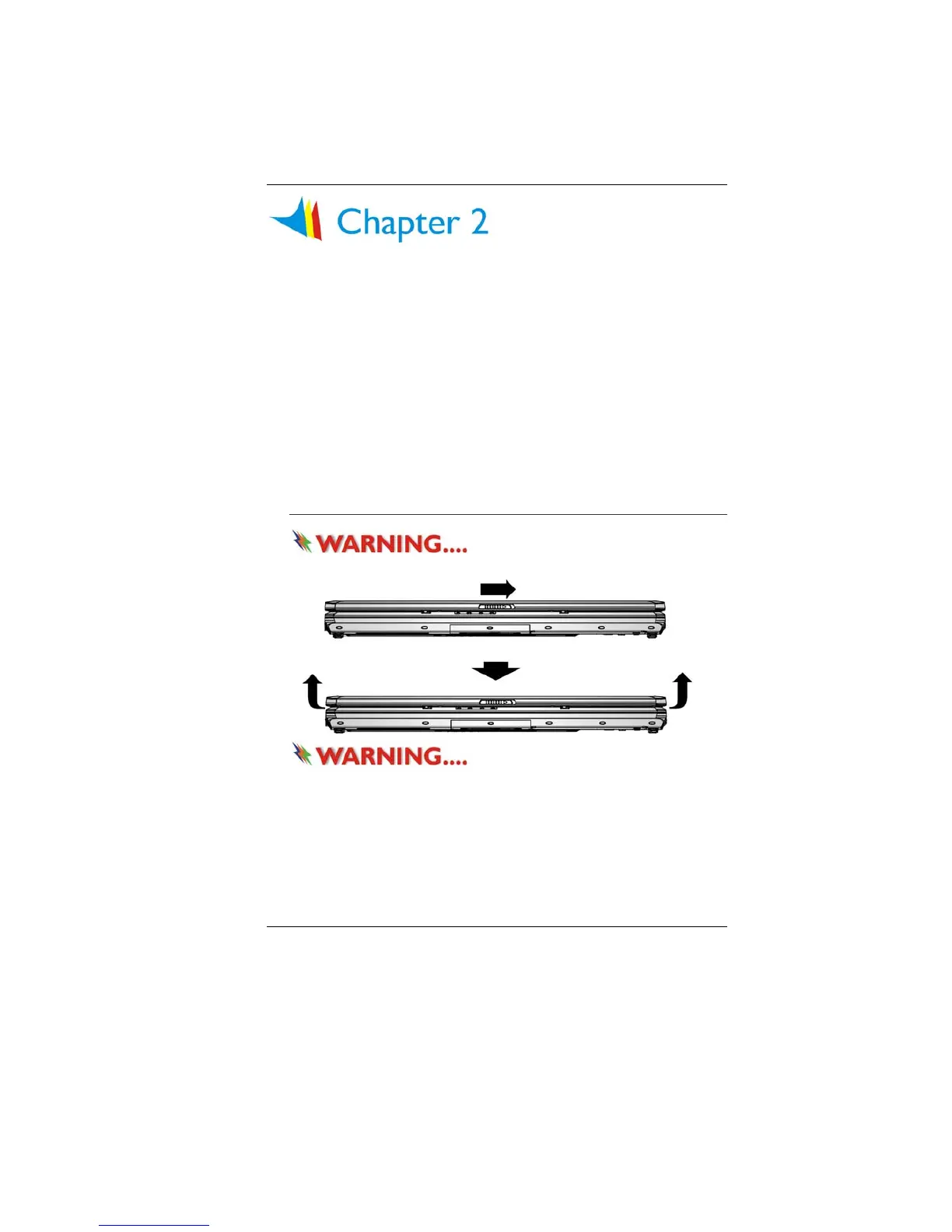
Opening the LCD Panel
Do not place any heavy objects
on the top of notebook. This may damage the display
To avoid damage to the display
panel:
1. Try not to slam the display upon closing it.
2. Try not to place any object on top when it is closed or open.
3. Be sure the system is turned off or in suspend mode before
you close the display panel.
With the LCD screen open, you will see several features important
for operating your Notebook computer.



 To Next Page