40
BIOS Action Keys
Function
Key
Command Description
ESC Exit
Leaves a sub-menu to return to the
previous menu OR exits the BIOS setup
while saving changes.
Enter Go to Sub Screen Shows the Sub Menu
F1 General Help Shows the Help Screen
F10 Save and Exit
Saves changes and reboots the
computer.
<Tab> Select a field Selects the next field.
↑
Select an item Selects the next upper item.
↓
Select an item Selects the next lower item.
- Lower value Selects the next value within a field.
+ Higher value Selects the next value within a field.
Modifying the BIOS Settings
The Phoenix BIOS setup main menu is subdivided into sub-menus.
Each menu item is described in this section.
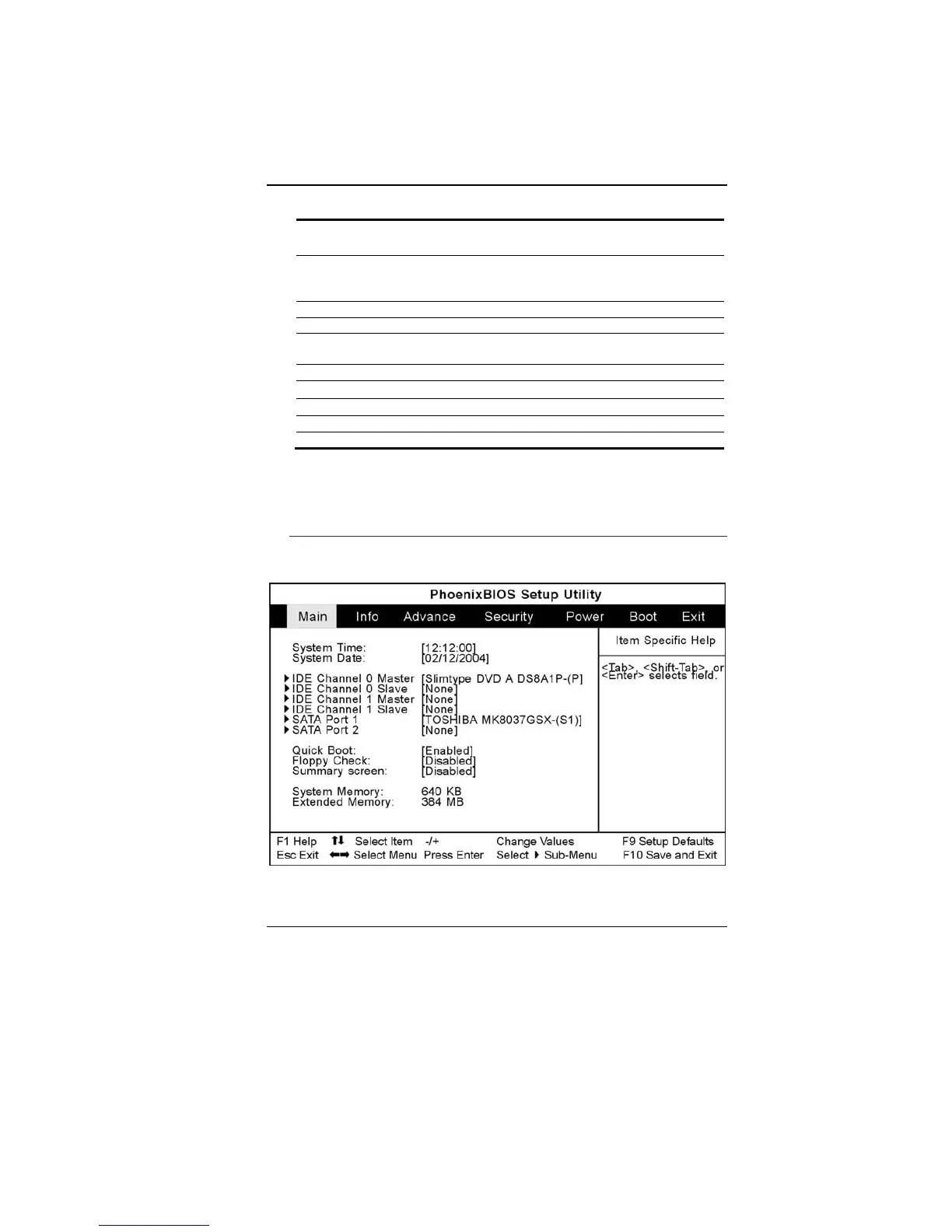
Main Setup
Under this menu, you may change time/date and view basic
processor and system memory information.



 To Next Page