15
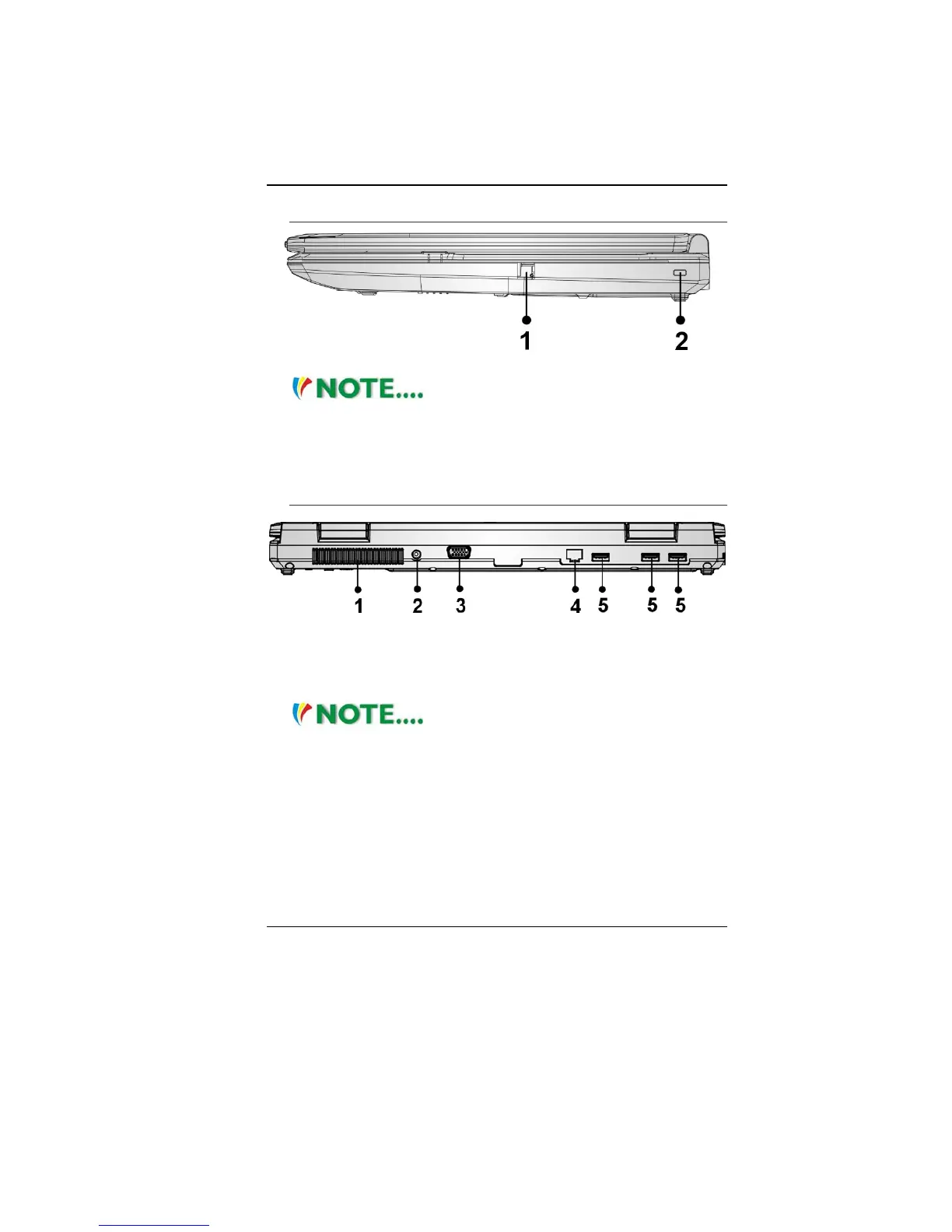
Right View
1. Modem Port
Always disconnect all telephone lines
from the wall outlet before servicing or disassembling this
equipment. To reduce the risk of fire use only No. 26 AWG or
larger telecommunication line cord.
2. Kensington Lock
Rear View
1. Ventilation Opening
2. DC In
3. CRT Port
4. Ethernet / LAN Port
When using a LAN, please use an EMI
Shielding Cable to minimize an inteference when transmitting.
5. USB 2.0 Port



 To Next Page