27
If this key combination does not shut down the Notebook, you can
reset the Notebook by using the Notebook’s power button. Should
the Notebook lock up for some reason, pressing this button powers
the Notebook off.
Adjusting the Brightness
To adjust the brightness on the LCD screen, press and hold down
the [Fn] key in the lower left hand corner of the keyboard and
press the [F8] key to reduce the brightness or [F7] to increase the
brightness.
Using the Windows
Help Windows
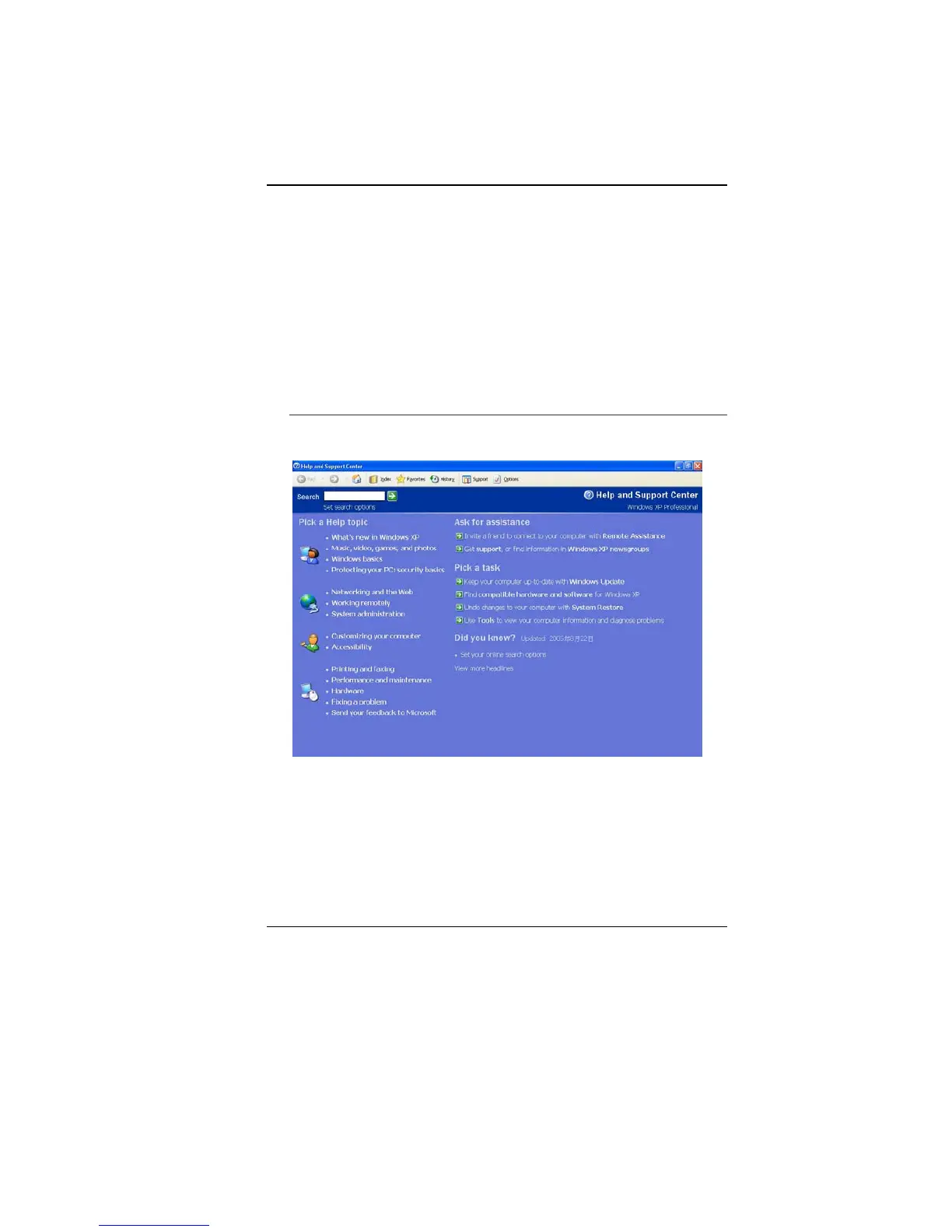
For Windows XP help, click Start ÎHelp and Support icon will
open the dialog box.



 To Next Page