- Event log:
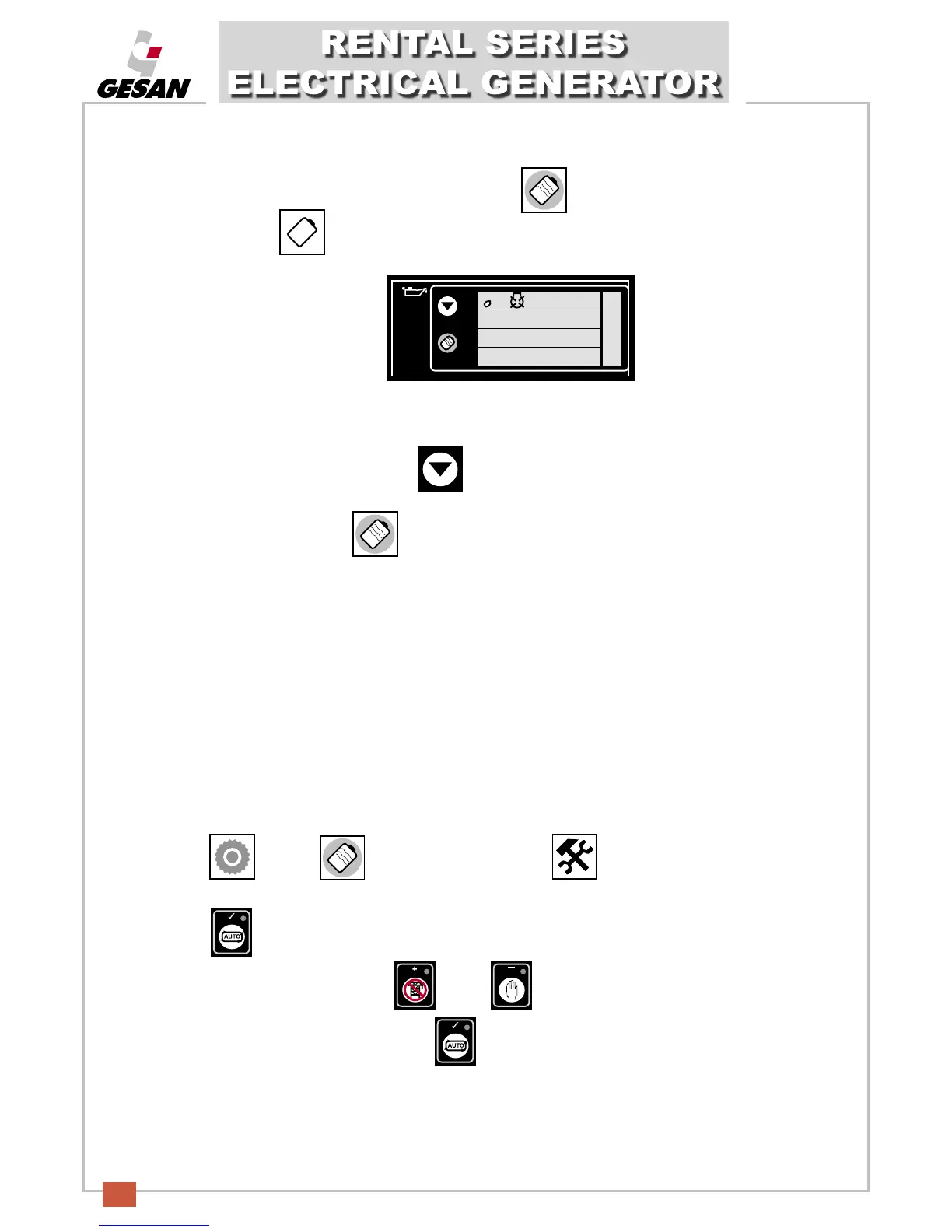
To view the event log, press the following button repeatedly (10).
This icon will flash .
A screen similar to this will be shown:
“On november 1, 2002, at 08:17, the system detected that the oil pressure was below the minimum level and shut
down the generator.”
To move from one event to the next, press (9).
To exit the main screen, press (10).
Note: Warning alarms are not logged.
2002
11.01
8.17
- Adjust date and time:
The date and time are adjustable. When the battery is disconnected, the date and time are frozen; when the
battery is reconnected, the date and time shown will be from the time the battery was disconnected.
T
he date and time reflected in the event Log will be taken from the configuration according to the following
steps:
Pr
ess (1) and (10) simultaneously. This icon will flash, indicating that “configuration
mode” is active. The calendar will be shown
.
Press (4) and the hour will start flashing.
To adjust to the desired setting, press (3) or (2).
Once the desired value has been set, press (4) to save.


 To Next Page