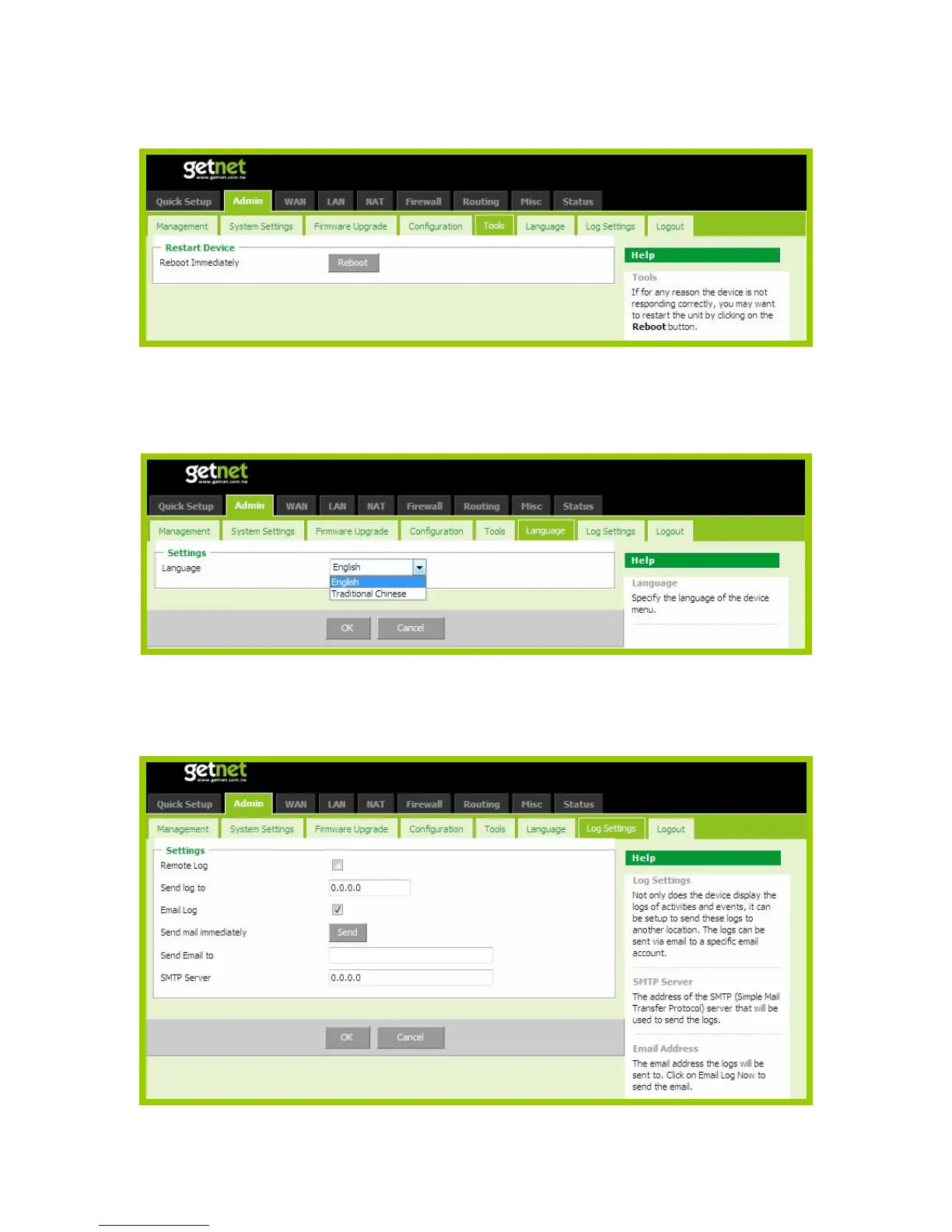
3.3.5 Tools
If for any reason the device is not responding correctly, you may want to restart the unit by clicking on the Reboot
button.
3.3.6 Language
Specify the language of the device menu. The two languages are supported in this router: English and Traditional
Chinese.
3.3.7 Log Settings
Not only does the device display the logs of activities and events, it can be setup to send these logs to another location.
The logs can be sent via email to a specific email account.
SMTP Server: The address of the SMTP (Simple Mail Transfer Protocol) server that will be used to send the logs.
Email Address: The email address the logs will be sent to. Click Email Log to send the email.



 To Next Page