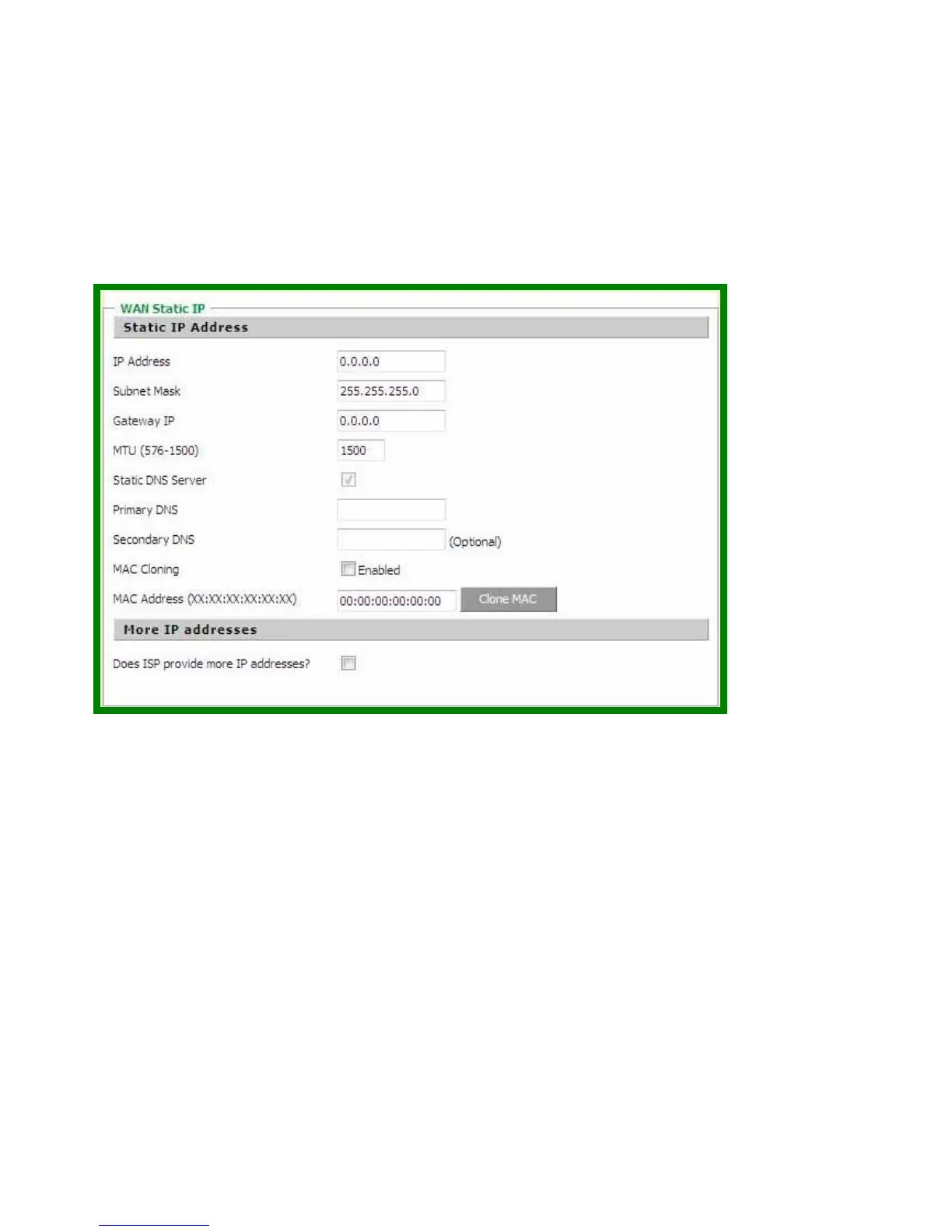
Gateway Address: Enter the gateway address at ISP end.
MTU (576-1500): You can specify the maximum size of your transmission packet to the Internet. Leave it as it is if you
to not wish to set a maximum packet size.
Does ISP provide more IP address: If your ISP supports more IP addresses, please check it; otherwise, leave it
unchecked.
(c) PPPoE
PPP over Ethernet is a common connection method used for xDSL.
User Name and Password: Enter the User Name and Password you use when logging onto your ISP through a
PPPoE or PPTP connection.
Service Name: optional. Input the service name if your ISP requires it. Otherwise, leave it blank.
Maximum Transmission Unit (MTU): Most ISP offers MTU value to users. The most common MTU value is 1492.
Maximum Idle Time: The amount of time of inactivity before disconnecting your PPPoE session. Set it to zero to
disable this feature.
Connect on Demand: Configure the router to disconnect your Internet Connection after a specified period of inactivity
(Max Idle Time). Connect on Demand enables the router to automatically re-establish your connection as soon as you
attempt to access the Internet again.
Keep-Alive option: Keeps you connected to the Internet indefinitely, even when your connection sits idle.



 To Next Page