User manual Touch
As of 01/12/2016 Page 4/11
1.5 Mounting
Using the attached mounting set you can install the display, alternatively the keyholes on the rear can be used to
suspend the display from 2 screws. Please note that the screws must not protrude more than 8 mm into the
enclosure, otherwise the display may get damaged!
The interface can be screwed on, therefore it has 2 screw holes.
1.6 Connection
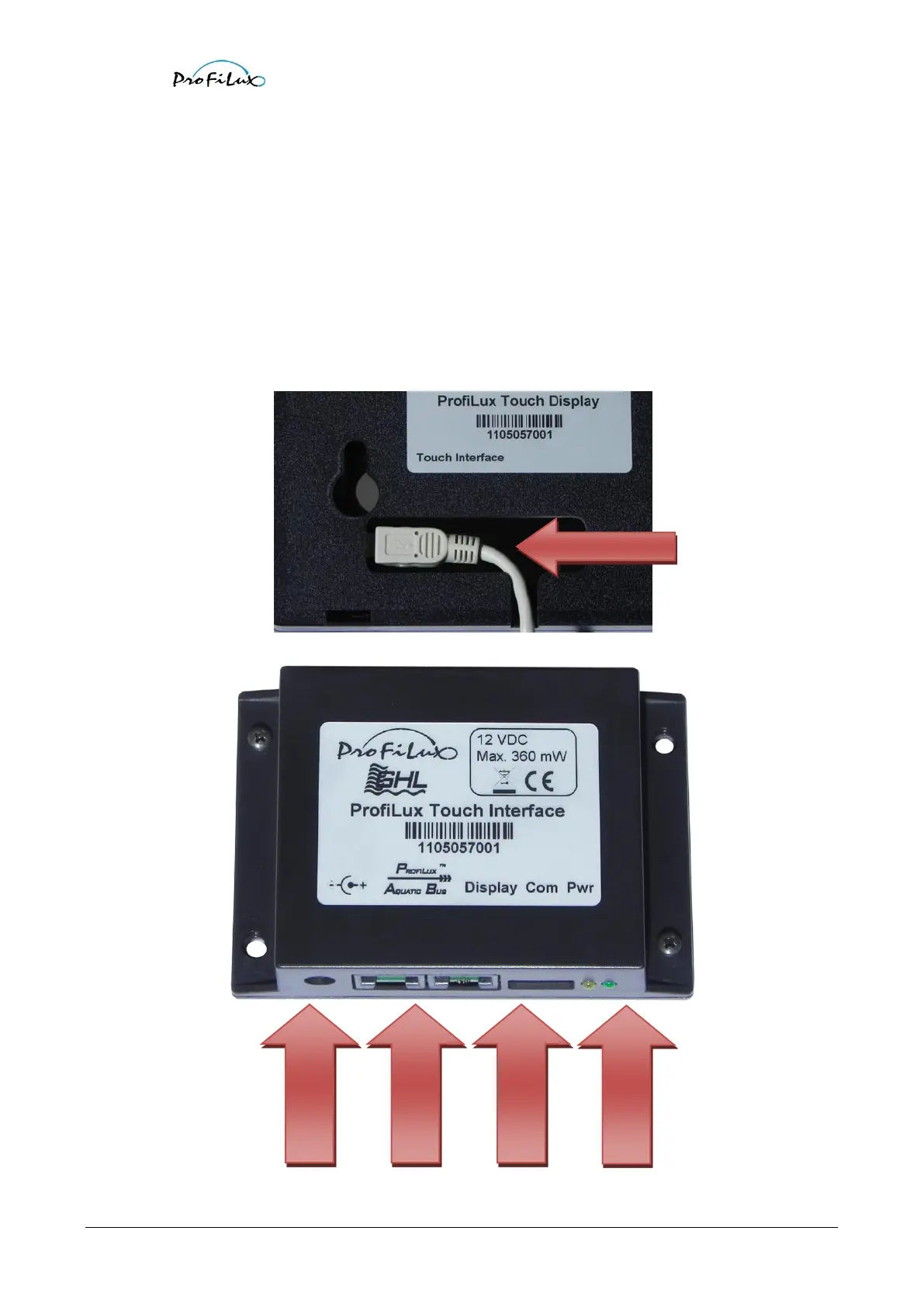
Connect the display through the provided connection cable with the interface.
In the rear side of the ProfiLux Touch display you will find a hole, here you have to plug in the cable. The hole has been
designed in a way that it is possible to route the cable downwards or to the back side (e.g. through a wall).
Afterwards connect the power supply and PAB.



 To Next Page