User manual Touch
As of 01/12/2016 Page 5/11
The display may neither be plugged in nor out when the ProfiLux Touch interface is supplied with
voltage! You always have to connect first the display, only after this the power supply!
2 Operation
Before you can use ProfiLux Touch at your PAB-system, you first have to assign ProfiLux Touch to ProfiLux.
Details regarding the connection and configuration of PAB you can read in the instruction „Description of ProfiLux
Aquatic Bus (PAB)“ (you can find it in our download section on www.aquariumcomputer.com).
2.1 Main menu
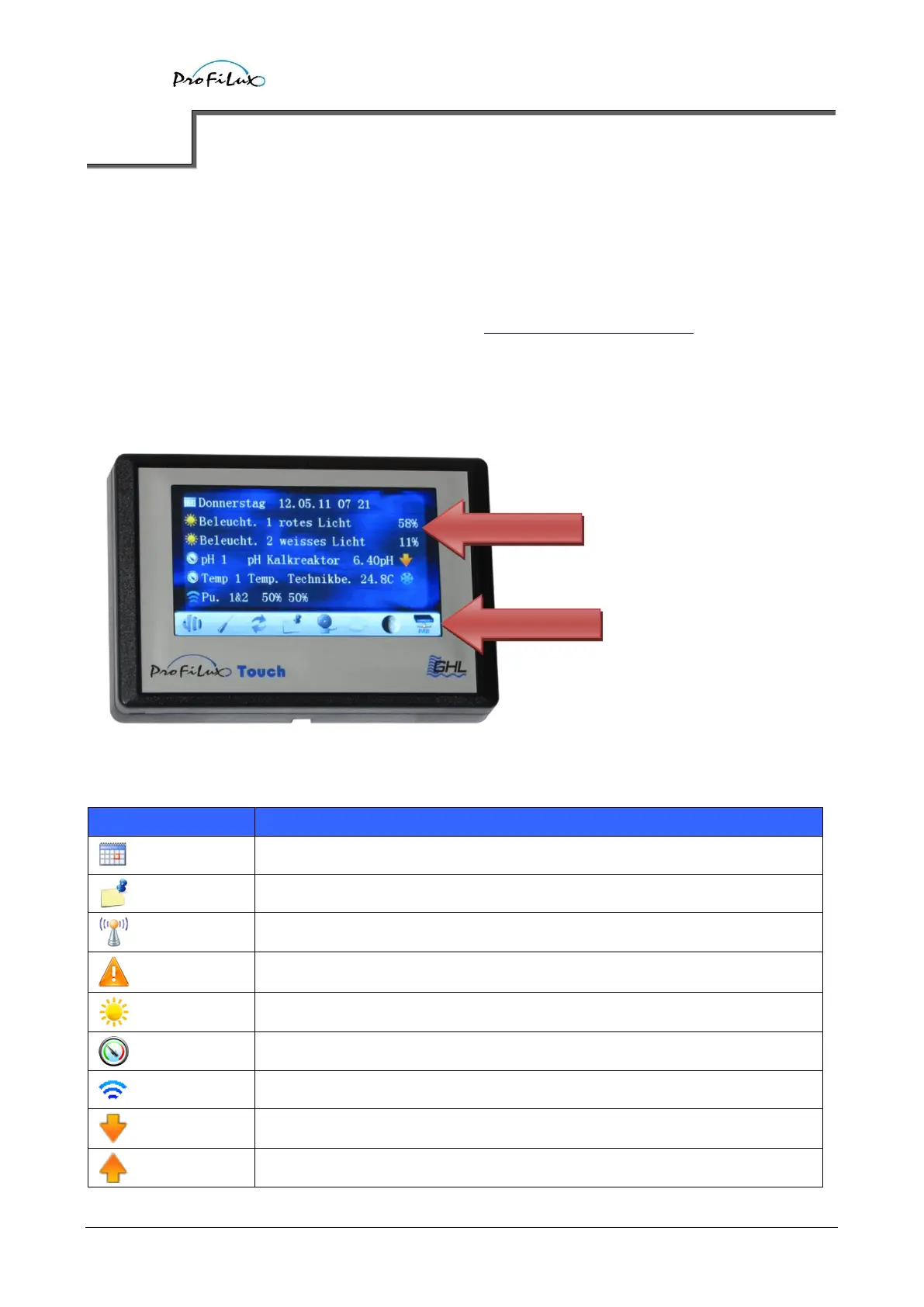
After the greeting screen the main menu is shown.
Current values and states are displayed clearly arranged. In the menu Display of ProfiLux you can define which
information you would like to see. The symbols in the text have following meanings:
Display of date and time.
Radio controlled clock signal is present.
Display of an illumination channel.
Downwards control is active.
Upwards control is active.



 To Next Page