EasyManua.ls Logo

GHL ProfiLux Touch - Monitor Menu

GHL ProfiLux Touch
11 pages
Print Icon
To Next Page IconTo Next Page
To Previous Page IconTo Previous Page
Loading...
User manual Touch
As of 01/12/2016 Page 8/11
2.3 Monitor menu
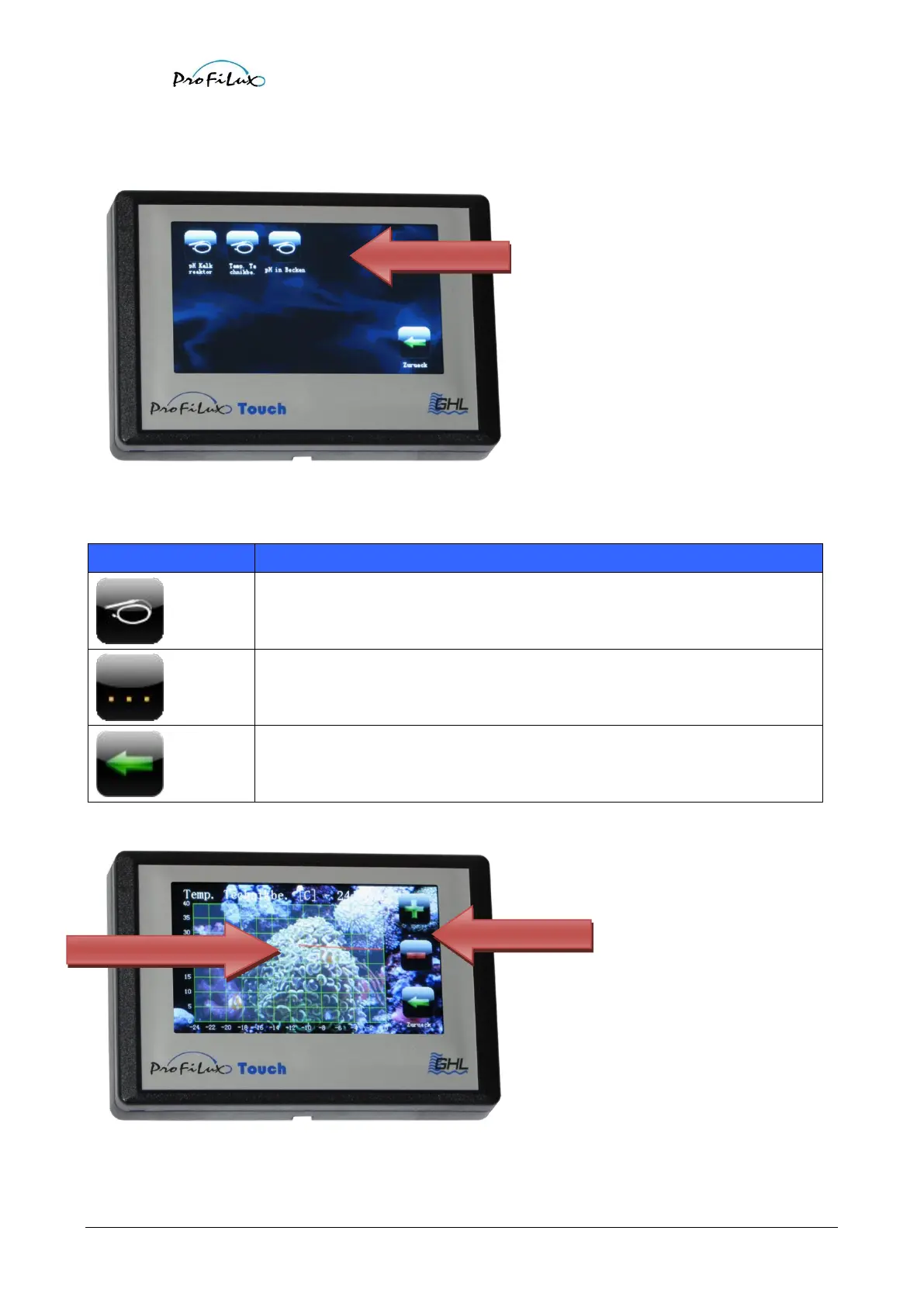
In the monitor menu select first the sensor whose stored measured values you like to have displayed.
Due to lack of space the buttons are only labeled with the description names of the sensors. That is why you should
if not done yet give all sensors significant descriptions with ProfiLuxControl.
Meaning
Press the corresponding button to look at measured values.
If you should have more than 15 sensors, you will get to the other sensors with this
button.
Back to the selection menu.
After you have selected the sensor, the course of the measured values is displayed graphically:
Sensor selection
Measured value curve
Zoom buttons

Related product manuals