User manual Touch
As of 01/12/2016 Page 7/11
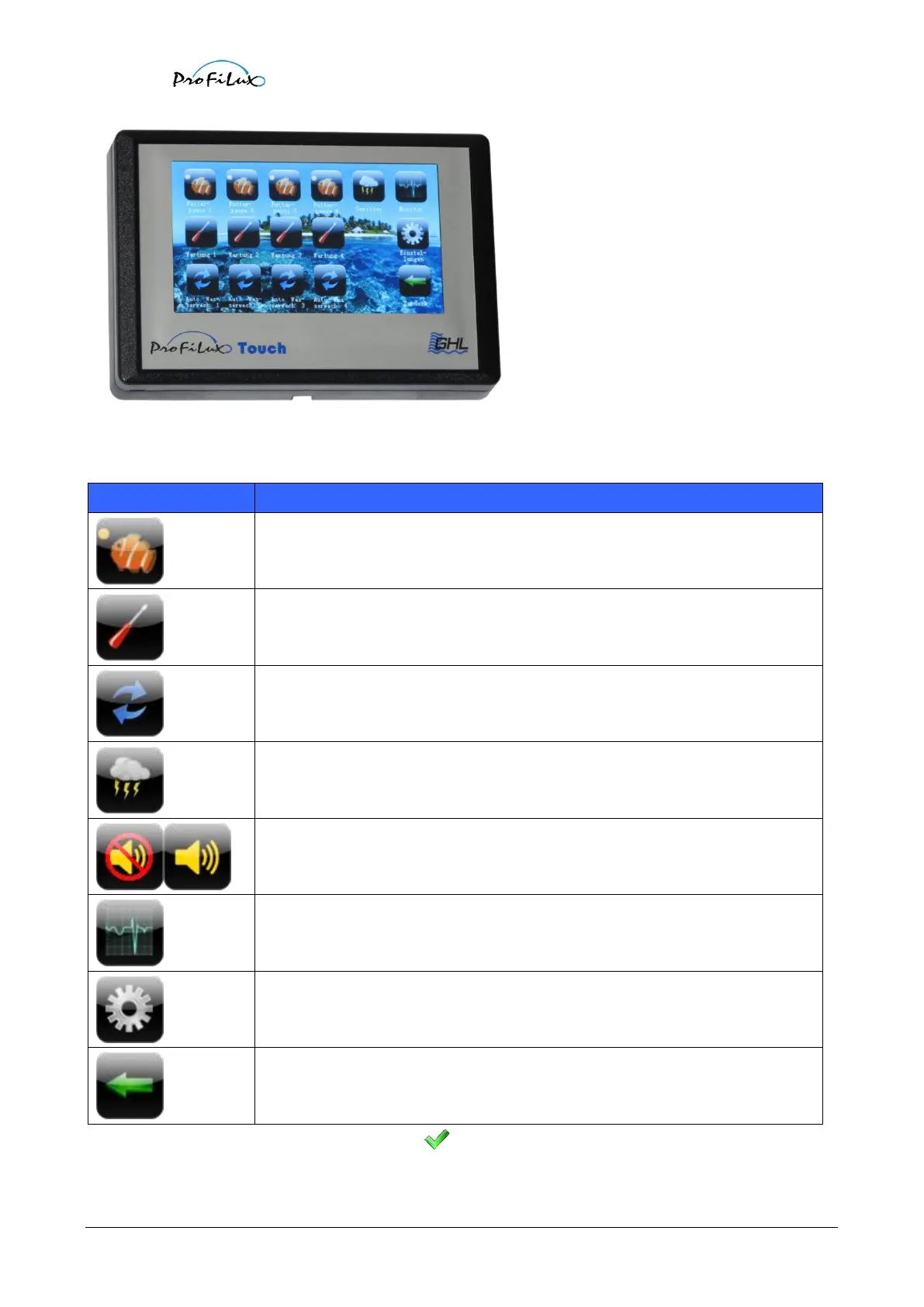
In the selection menu you can start and stop actions, furthermore you will get from here to the monitor and to the
settings menu. Click onto one of the following buttons:
Start/stop of the feeding pauses 1 to 4 (the current ProfiLux firmware 5.08 supports
only feeding pause 1, in future versions there will be feeding pause 1-4).
Start/stop of maintenances 1 to 4.
Start/stop of water changes 1 to 4.
With this buttons the acoustic alarm can be switched on or off.
The button shows the current state: The crossed out speaker indicates that the
acoustic alarm is switched off.
Leads to the monitor menu.
Leads to the settings menu.
A started action is displayed by a green check mark ( ) at the corresponding button.



 To Next Page