User manual Touch
As of 01/12/2016 Page 9/11
The displayed buttons have the following meaning:
Display a longer measuring period (measuring periods: 24 hours, 7 days, 30 days and
90 days).
Display a shorter measuring period.
Back to the sensor selection.
2.4 Setting menu
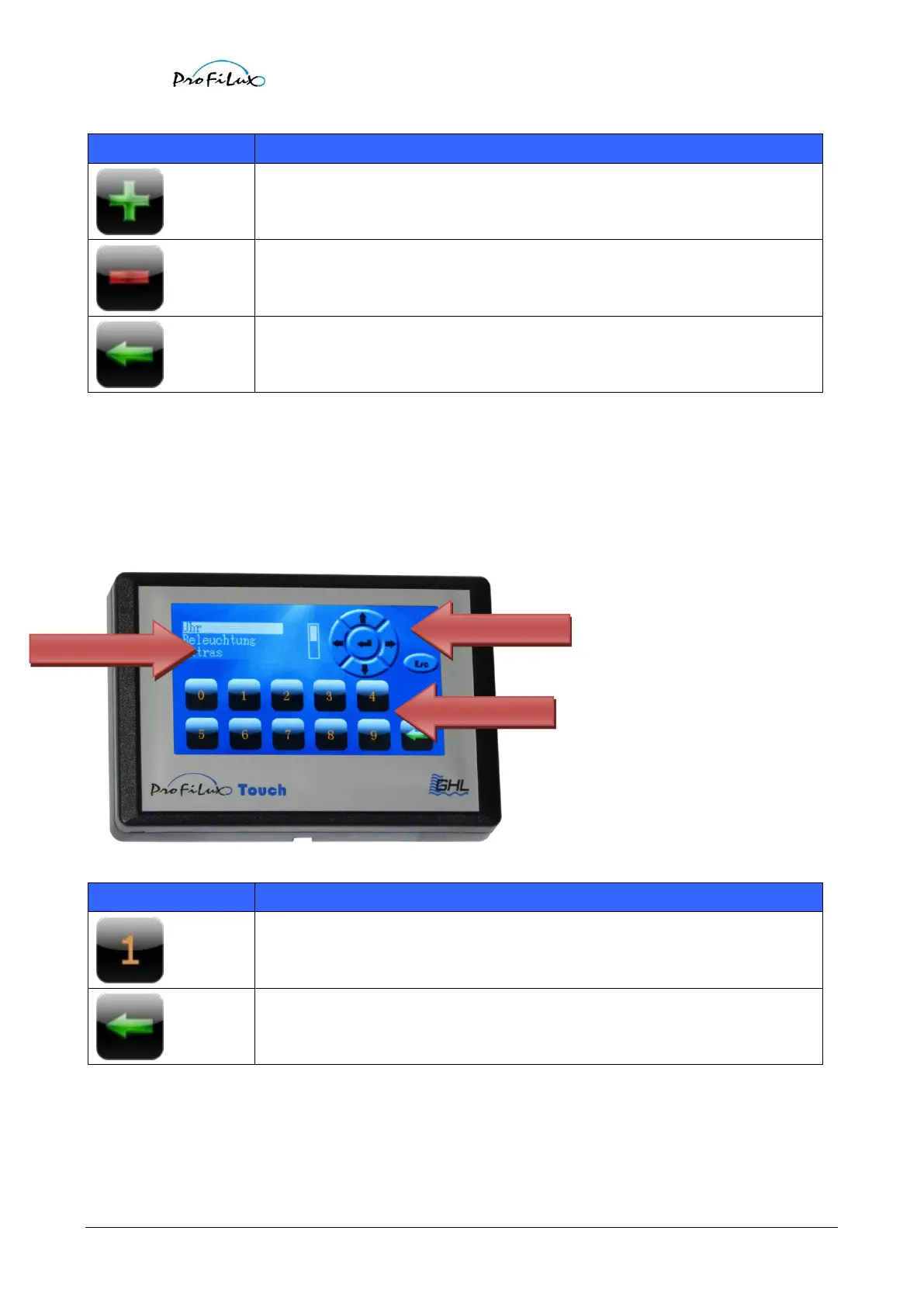
In the setting menu you can control your ProfiLux by remote. The displayed keys behave the same way as the keys at
ProfiLux and the display simulation shows exactly the current content of the ProfiLux-display. In addition to the
ProfiLux-keys also a decimal board for a more simple entering of numerical values is available.
Entering numerical values.
Back to the selection menu.



 To Next Page