EasyManua.ls Logo

Giada N70E-DR - Bios Setting

Giada N70E-DR
38 pages
Print Icon
To Next Page IconTo Next Page
To Previous Page IconTo Previous Page
Loading...
BIOS Setting
26
3.1.2 Navigation
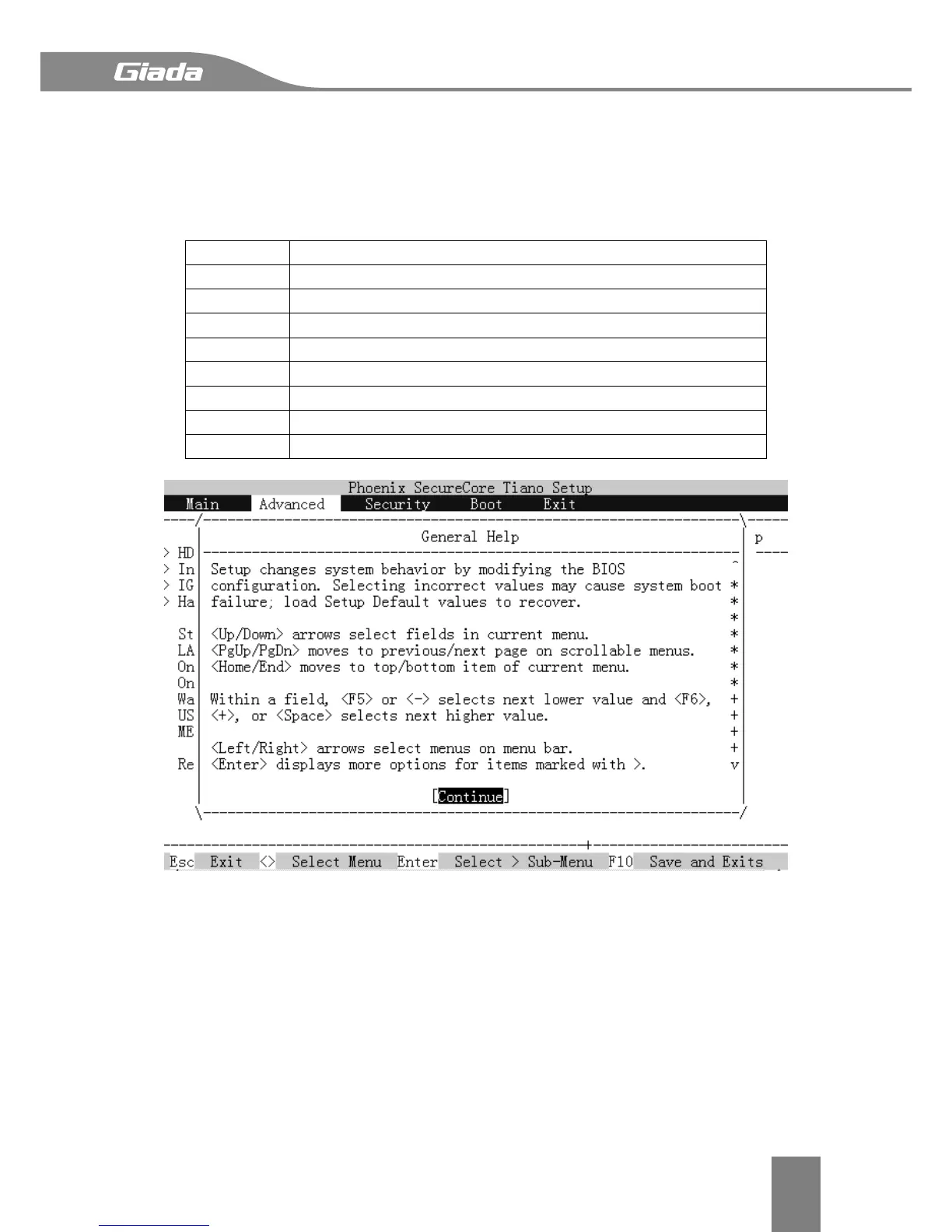
The BIOS setup utility uses a key-based navigation system called hot keys.
Most of the BIOS setup utility hot keys can be used at any time during the setup navigation
process. These keys include <F1>, <F9>, <F10>, <Enter>, <Esc>, <Arrow>, <+>, <->, etc. The
following are hot keys.

Hot Key
Description
→←
Select a setup screen.
↑↓
Select a setup item or sub-screen.
Enter
Selected.
+ / -
Change the field value of a particular setup item.
F1
General Help.
F9
Optimized Default.
F10
Save & Exit.
Esc
Exit.

Related product manuals