BIOS Setting
32
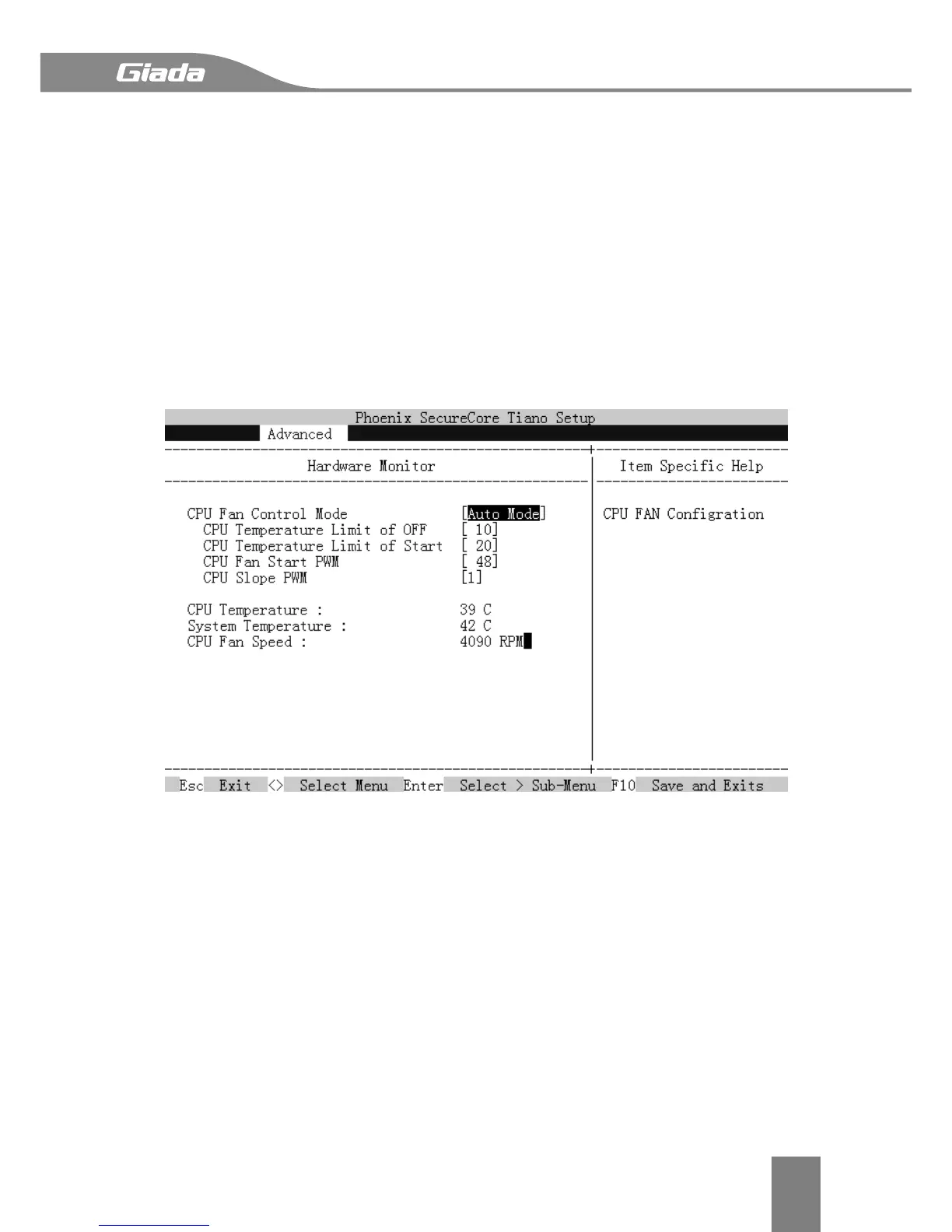
3.3.4 Hardware Monitor
This menu show system HWM information and related function settings.
CPU Fan Control Mode
Switch the CPU fan mode between Full Speed, Smart Mode and manually mode.
CPU Temperature Limit of OFF
The CPU fan will stop less then this temperature value.
CPU Temperature Limit of Start
The CPU fan will start higher than this temperature value.
CPU Fan Start PWM
Setting the CPU Fan Start PWM, max is 127.
CPU Slope PWM
Setting the CPU Fan slope for Smart Fan mode.


 To Next Page