USER AND INSTALLATION MANUAL
51
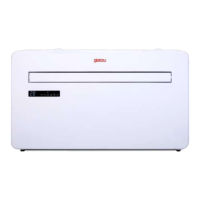
MONOBLOCK IKALAMONOBLOCK IKALA
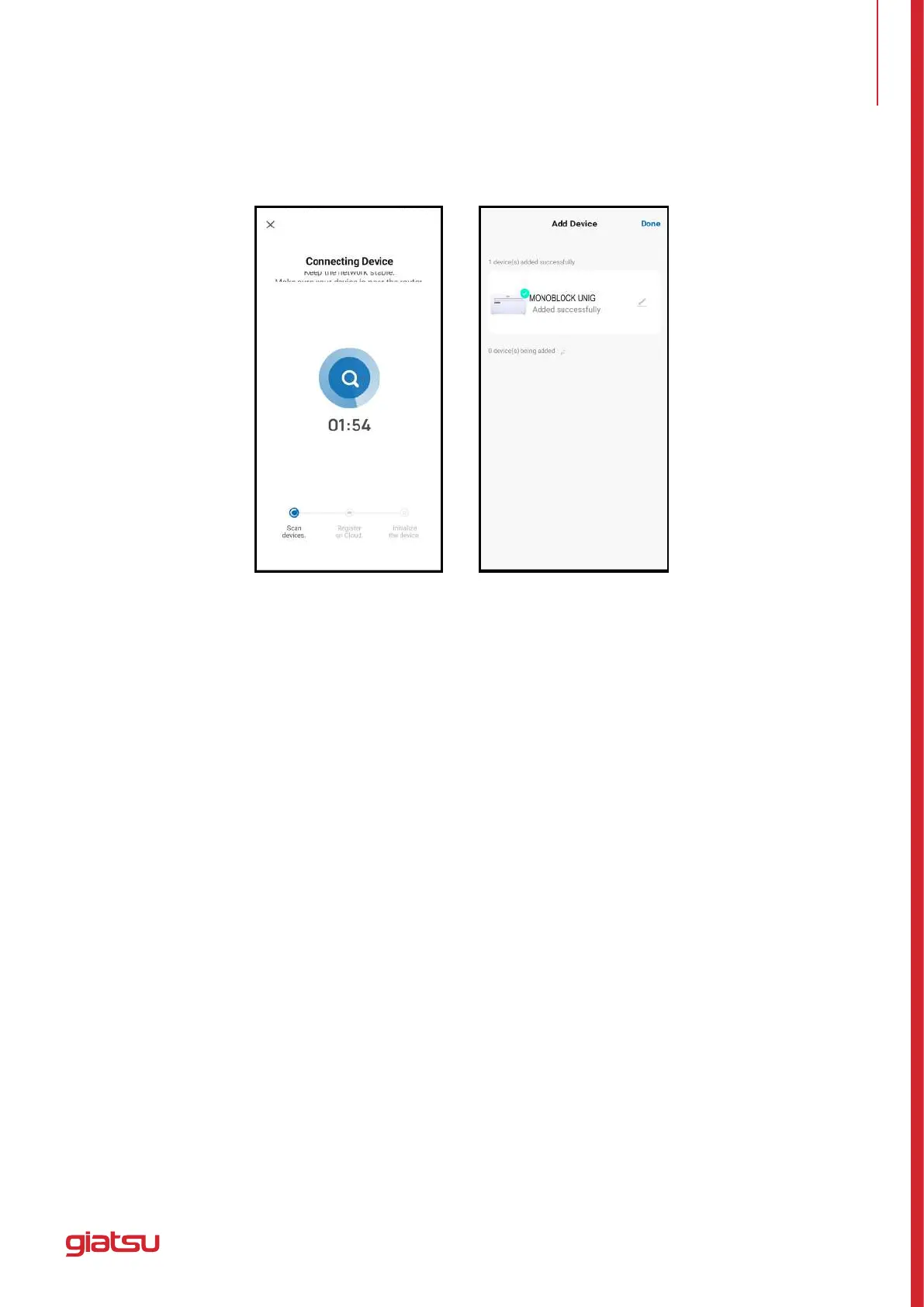
• 4.Whenthedeviceissuccessfullyconnected,therstcapturescreenwillappear.Ifyoupressonit,it
will take you to the screen of the second capture, from which you can control the device.
Warnings
• 1. The control quality of the app is affected by your smartphone, Wi-Fi network, distance from the router,
and Internet status. It has nothing to do with the unit itself.
• 2.Ifyoundthatyoucouldn’tcontrolwithyoursmartphone,pleasecheckyourinternetstatusatrst,
then check whether it is successfully connected with the unit. If these circumstances are ok, please
delete the device in your app and start the procedures again.
• 3. If you still can’t solve the problems by the above methods, please use the unit with your normal
controller, and then ask for after-sale service.
7. ADD A DEVICE


 To Next Page