USER AND INSTALLATION MANUAL
50
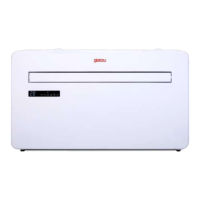
MONOBLOCK IKALA
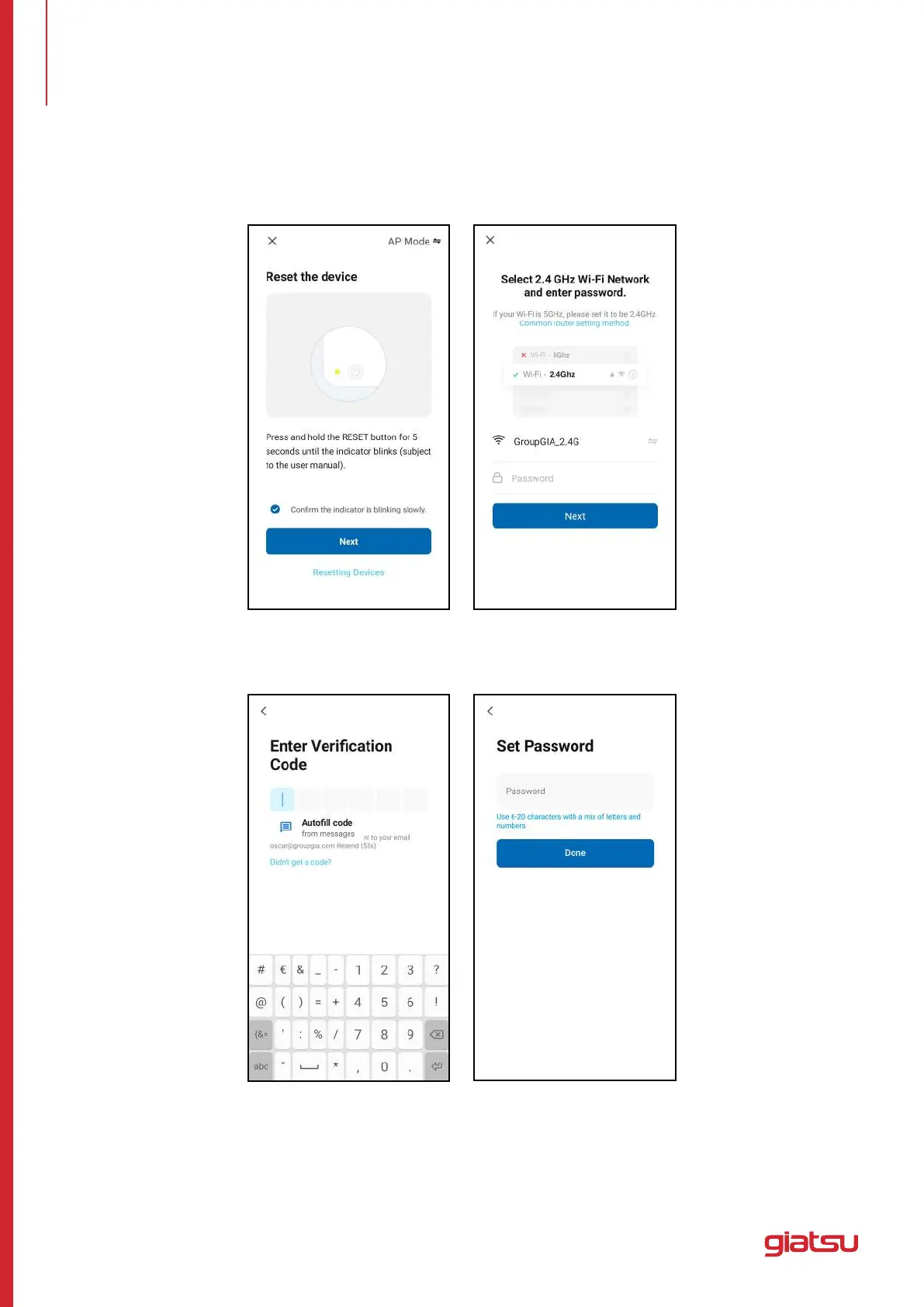
2.Rebootthedevice.Pressandholdthe“RESET”buttonfor5secondsuntiltheindicatorashes.Clickon
“Next”. Select your own Wi-Fi network, type your own Wi-Fi router password and tap “Next”.
3.Afterthedevicereboots,the“ConnectingDevice”screenwillappear.Keepthenetworkstable.Makesure
the device is close to the router.
7. ADD A DEVICE


 To Next Page