MANUEL D’UTILISATION ET D’INSTALLATION
80
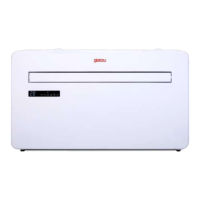
MONOBLOCK IKALA
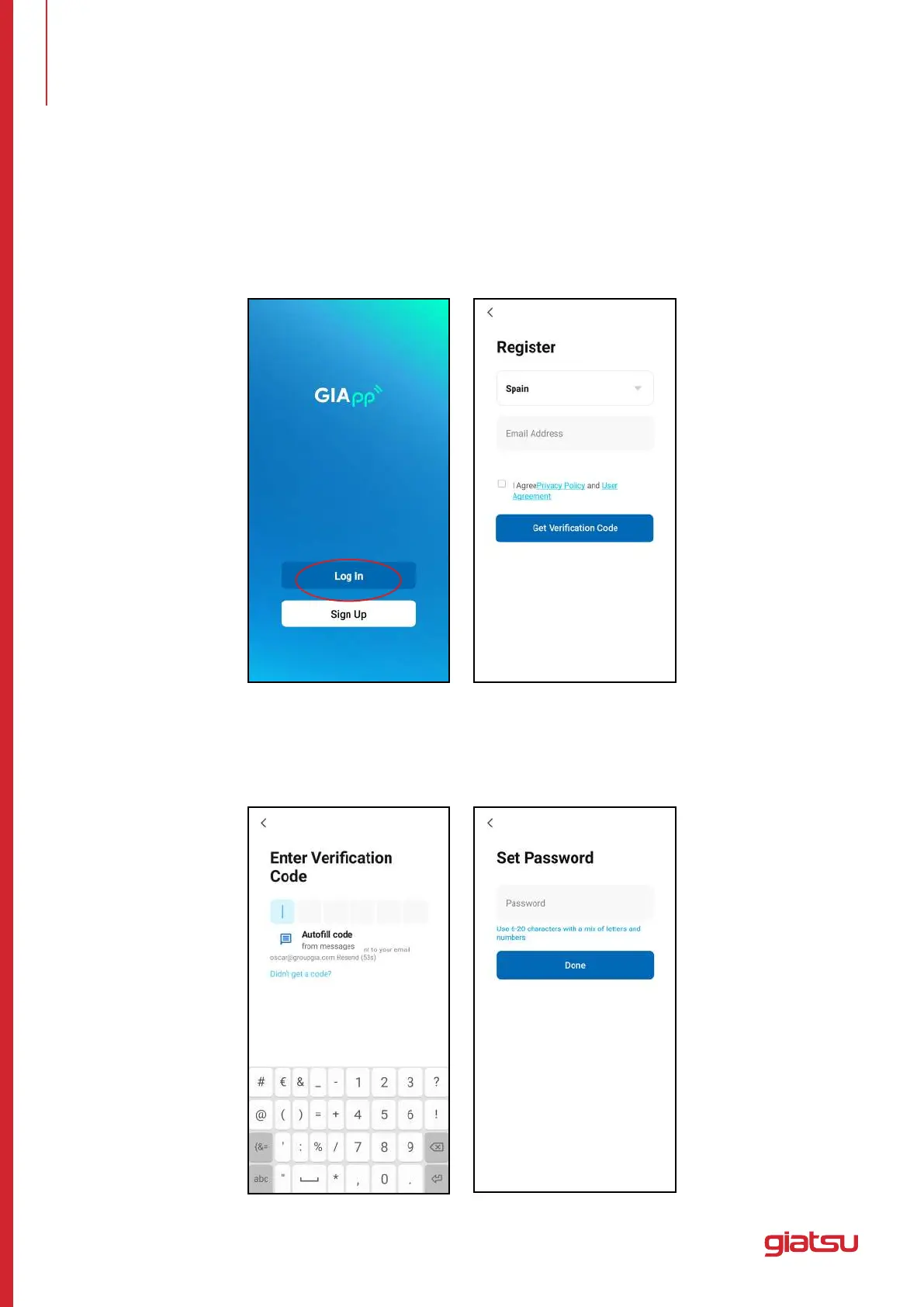
CRÉER UN COMPTE
Créer un compte
Lorsque vous ouvrez l’application pour la première fois, démarrez votre inscription. Cliquez sur “Sign Up”,
entrez votre adresse e-mail, cochez la case “I Agree with the Privacy Policy and User Agreement”, cliquez
sur“GetVericationCode”etrecevezuncodedevérication.
Entrezlecode,conrmezvotremotdepasse,puisappuyezsur“Done”.Aprèsunevérication
réussie, le processus d’inscription est terminé et l’application passe à la page d’accueil.
6. TÉLÉCHARGER ET INSTALLER L’APPLICATION


 To Next Page