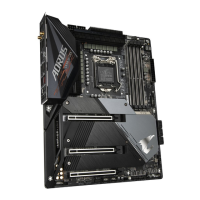
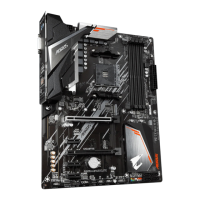
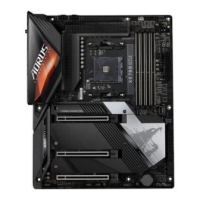
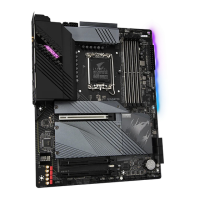
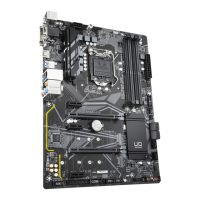
1-5 Installing an Expansion Card
Read the following guidelines before you begin to install an expansion card:
• Make sure the motherboard supports the expansion card. Carefully read the manual that came
with your expansion card.
• Always turn off the computer and unplug the power cord from the power outlet before installing an
expansion card to prevent hardware damage.
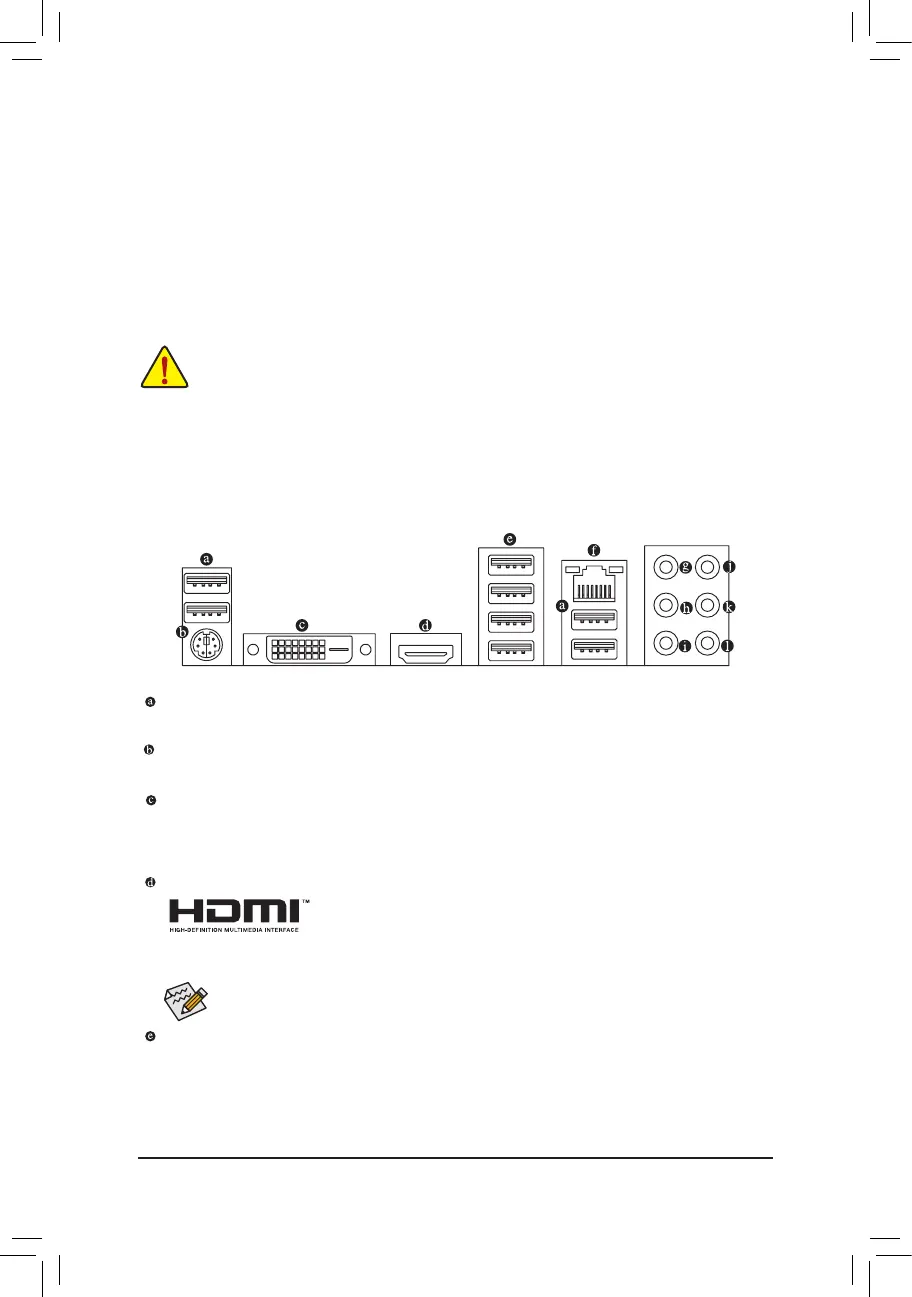
1-6 Back Panel Connectors
USB 2.0/1.1 Port
TheUSBportsupportstheUSB2.0/1.1specication.UsethisportforUSBdevices.
PS/2 Keyboard/Mouse Port
Use this port to connect a PS/2 mouse or keyboard.
DVI-D Port
(Note 1)
TheDVI-DportconformstotheDVI-Dspecicationandsupportsamaximumresolutionof1920x1200@60Hz
(theactualresolutionssupporteddependonthemonitorbeingused).ConnectamonitorthatsupportsDVI-D
connection to this port.
HDMI Port
TheHDMIportsupportsHDCP2.2
(Note 2)
andDolbyTrueHDandDTSHDMaster
Audioformats.Italsosupportsupto192KHz/24bit8-channelLPCMaudiooutput.
YoucanusethisporttoconnectyourHDMI-supportedmonitor.Themaximumsupportedresolutionis
4096x2160@60Hz
(Note 2)
, but the actual resolutions supported are dependent on the monitor being used.
USB 3.1 Gen 1 Port
TheUSB3.1Gen1portsupportstheUSB3.1Gen1specicationandiscompatibletotheUSB2.0
specication.UsethisportforUSBdevices.
(Note1) TheDVI-DportdoesnotsupportD-Subconnectionbyadapter.
(Note 2) Actual support may vary by CPU.
AfterinstallingtheHDMIdevice,makesuretosetthedefaultsoundplaybackdevicetoHDMI.(The
item name may differ depending on your operating system.)
DuetoCPUlimitations,readthefollowingguidelinesbeforeinstallingthememoryinDualChannelmode.
1. DualChannelmodecannotbeenabledifonlyonememorymoduleisinstalled.
2. WhenenablingDualChannelmodewithtwoorfourmemorymodules,itisrecommendedthatmemory
of the same capacity, brand, speed, and chips be used. For optimum performance, when enabling
DualChannelmodewithtwomemorymodules,werecommendthatyouinstallthemintheDDR4_1
andDDR4_2sockets.
- 10 -



 To Next Page
 Loading...