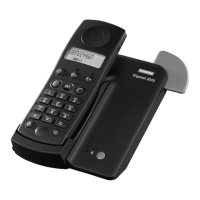
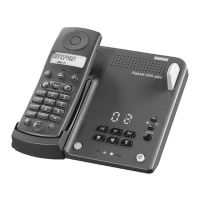
Barring functions on the Gigaset 2015plus
39
Gigaset 2015 plus, GBR: A30852-X-1105-B301-1-7619
kap10.fm5
29.10.99
Cancelling all barred codes
Activating/deactivating barred code function
You can activate and deactivate the barred code function
for a registered handset. Other handsets are not affected
by the barring function.
Calls can still be taken at the handset when the barring
function is in effect.
No calls are barred in the default setting.
B # 8 7
Start the procedure.
o
Enter the 4-digit system code (default: “0000”)
(➔ page 19). The registered handsets or their internal call
numbers are shown on the display:
:
o
Enter the internal number of the required handset
(1 to 6).
B
Cancel all barred codes for the selected handset.
145
P
f
N
b
(Example: handsets
1, 4 and 5 are logged on)
The delete function must be repeated for every
handset.
B # 8 4
Start the procedure.
o
Enter the 4-digit system code (default: “0000”)
(➔ page 19). The registered handsets or their internal call
numbers are shown on the display:
:
o
Enter the internal number of the required handset
(1 to 6).
1B
Activate the barring function for the selected handset.
or
0B
Deactivate the barring function for the selected handset.
123


 To Next Page