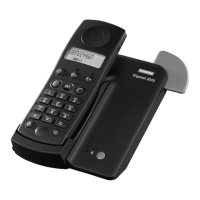
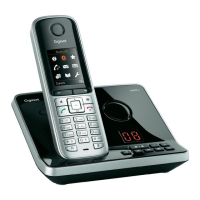
Logging on additional handsets at the base station
58
Gigaset 2015 plus, GBR: A30852-X-1105-B301-1-7619
kap13.fm5
29.10.99
Logging on the Gigaset 1000TAE cordless socket
You can connect up a fax (automatic fax recognition in-
cluded in the Gigaset 2015 plus base station), a modem or
another telephone, for example, to the cordless socket. In
principle, it is logged onto the base station in the same
way as a handset. The Gigaset 1000TAE is available as a
special accessory. For further information, please contact
your dealer.
Logging off handset at base station
:
2...6
Enter one of the unassigned internal numbers. The hand-
set entered is registered under the internal number en-
tered.
23456
are still unassigned
B # 72
Start the procedure.
o
Enter the 4-digit system code (default: “0000”)
(➔ page 19). All registered handsets are shown on the
display.
oB
Enter the internal number of the required handset
(1 to 6) and confirm with
B.


 To Next Page